


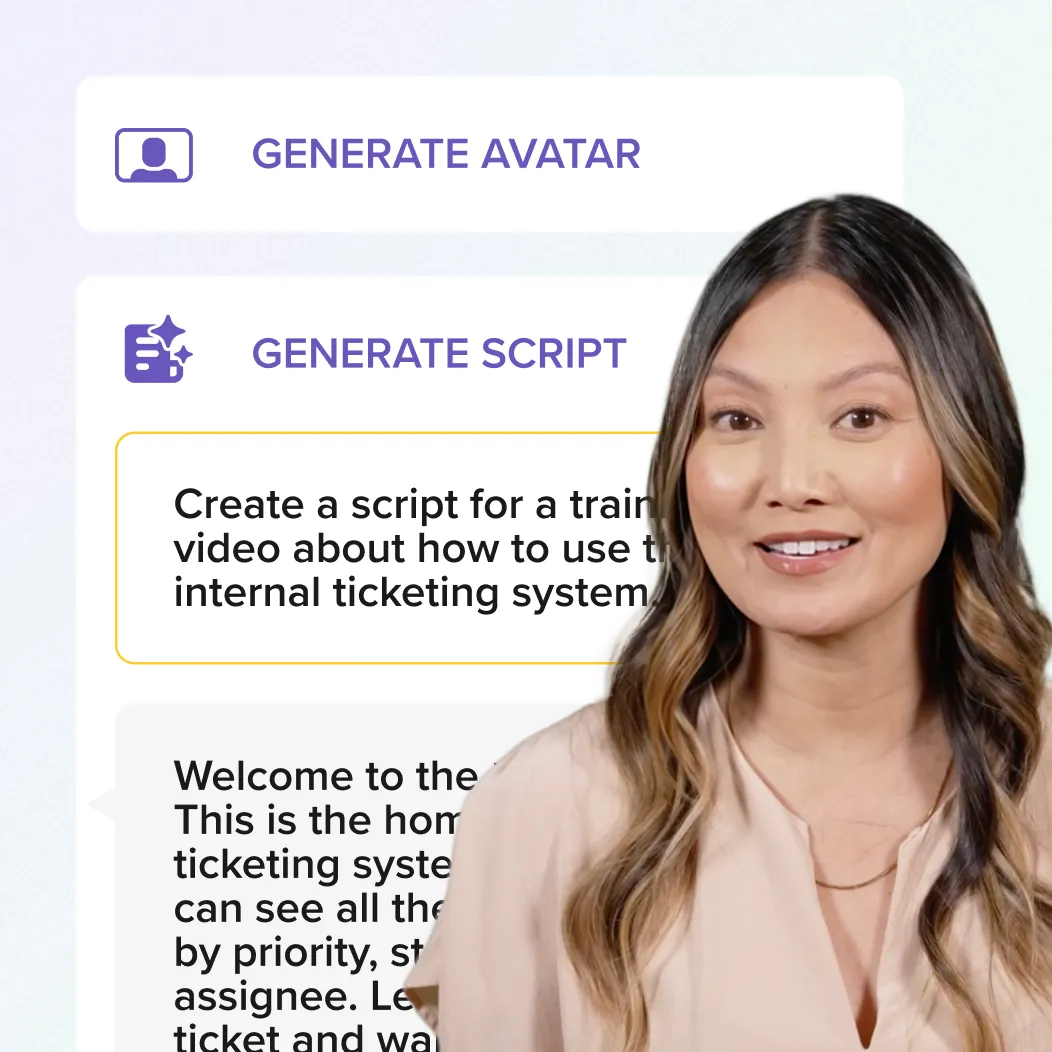





Video editor
Editor is the go-to for anyone looking to create engaging videos, whether you’re a beginner or an experienced content creator. From screen recordings to educational videos, Editor is the perfect all-in-one tool for creating high-quality content on both Windows and Mac platforms.
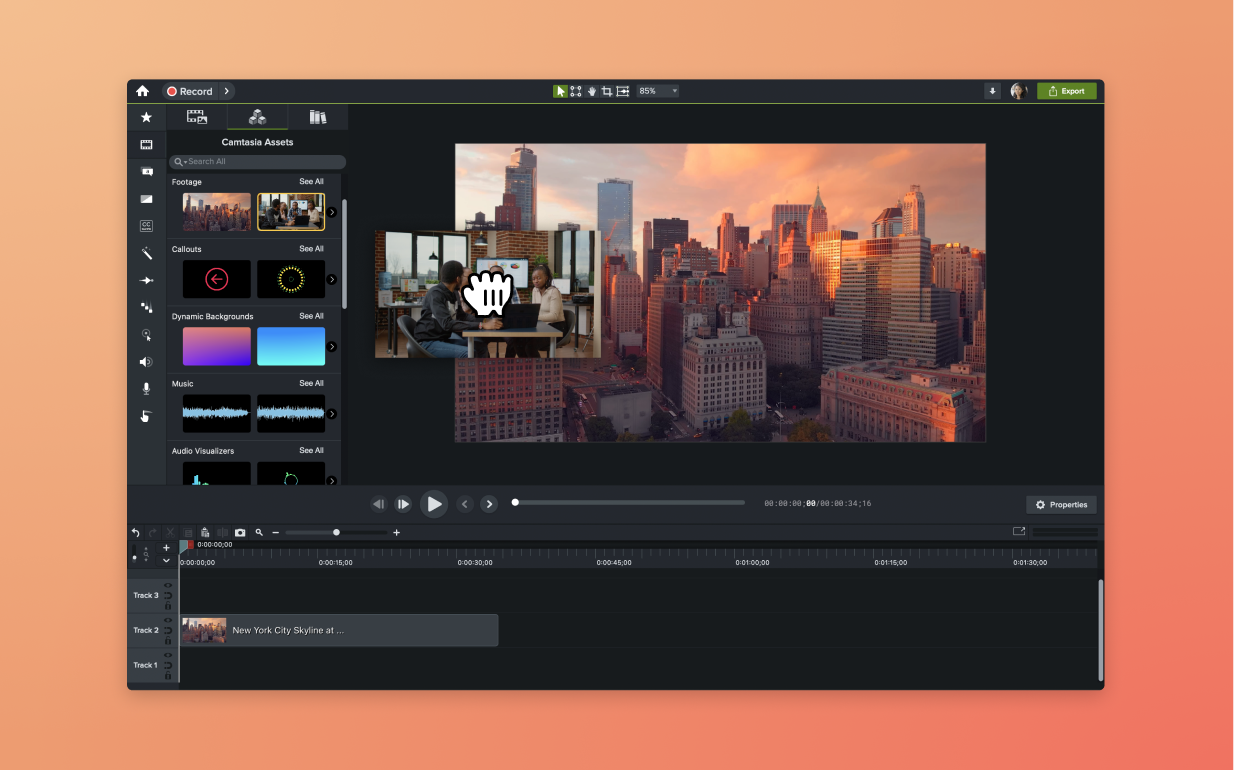
Camtasia Editor: The video editor for beginners and professionals
Editor provides a host of benefits, making it the best tool for editing videos across a range of content types.
Beginner-friendly with professional results
Editor’s intuitive interface and easy-to-use tools make it perfect for beginners, while its powerful features ensure you can produce professional-quality videos. You don’t need to be an expert to create videos that look like they were made with pro tools.

Cross-platform and all-in-one solution
Editor is the only all-in-one video editor that works seamlessly across both Windows and Mac. It combines video editing with a multi-track screen recorder, making it ideal for creating content for everything from social media platforms to internal onboarding.
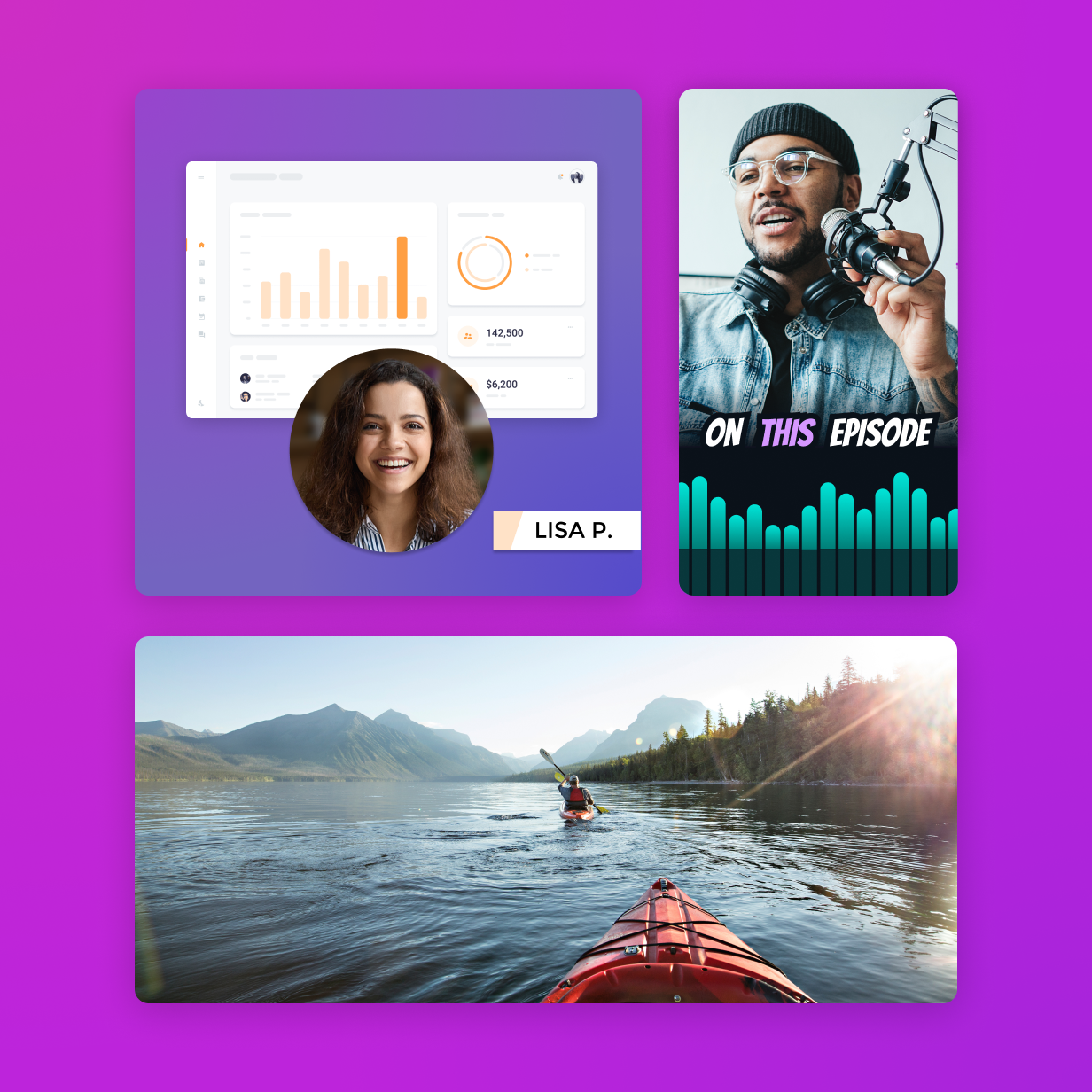
Pro-quality assets and effects
Editor includes thousands of free, customizable assets like animations, dynamic backgrounds, and b-roll footage, as well as drag-and-drop transitions and effects. These tools help you create high-quality, amazing videos quickly, reducing production time and cost.

Looking for help with video editing?
get everything in one subscription
Get Camtasia today
Ready to create professional videos with full control over every element? Editor’s multitrack recording makes it easy to capture, edit, and produce videos that stand out.
Camtasia Essentials
Kick-start your video creation
Loading…
/ year
Billed yearly
Camtasia’s easy and powerful video editor with:
- Text-based video editing
- Enhanced screen recording capabilities
- On-screen annotations, callouts and effects
- Dozens of free titles, lower-thirds, and templates
- Audio cleanup: remove uuhms, ahhs, and noise
Camtasia Create
Accelerate your video creation
Loading…
/ year
Billed yearly
Everything in Camtasia Essentials, plus:
- Generate scripts from prompts
- Improve scripts with AI
- Voiceover generation
- 200+ voiceover options
- Customize voiceover mood, speed, and accent
Camtasia Pro
Scale your video creation
Loading…
/ year
Billed yearly
Everything in Camtasia Create, plus:
- Video reviews and collaboration
- AI-translated scripts and captions
- AI-generated video titles, descriptions, and chapters
- AI-generated avatars
- 100M+ premium assets