









Built for L&D Teams
Keep corporate training programs current as your organization grows
Capture expertise once, update it in minutes, and scale it across every team, without adding headcount. Get the training software suite 100% of Fortune 500 companies rely on.



Why training content falls behind so fast

SME bottlenecks
Your subject matter expert has the knowledge but not enough time in their calendar. That holds up every project downstream.

Outdated content
One small UI update makes a whole training video wrong, and most tools force you to start over to fix it.

Inconsistent output
Without shared templates and styles, every trainer’s output looks and feels different, making it hard to keep your brand consistent.
More corporate training uses for what you've already captured
The same captured expertise that powers your training can also produce documentation, onboarding guides, and customer education without a second recording session.
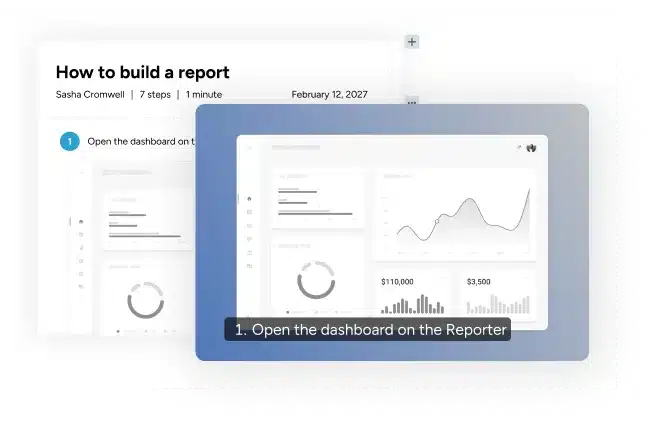
How-to videos
Short, single-task videos available the moment an employee needs them.
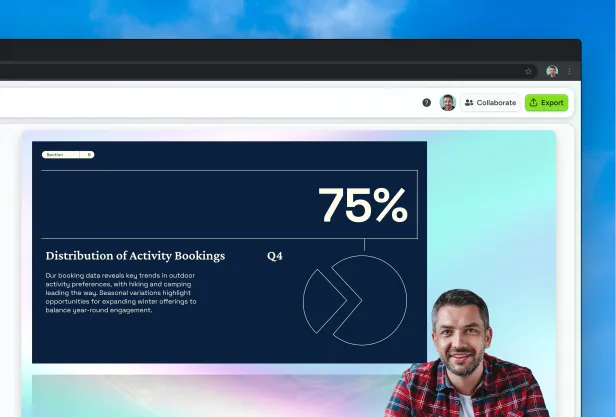
Knowledge Capture
One expert walkthrough reused across onboarding, on-the-job training, and documentation.
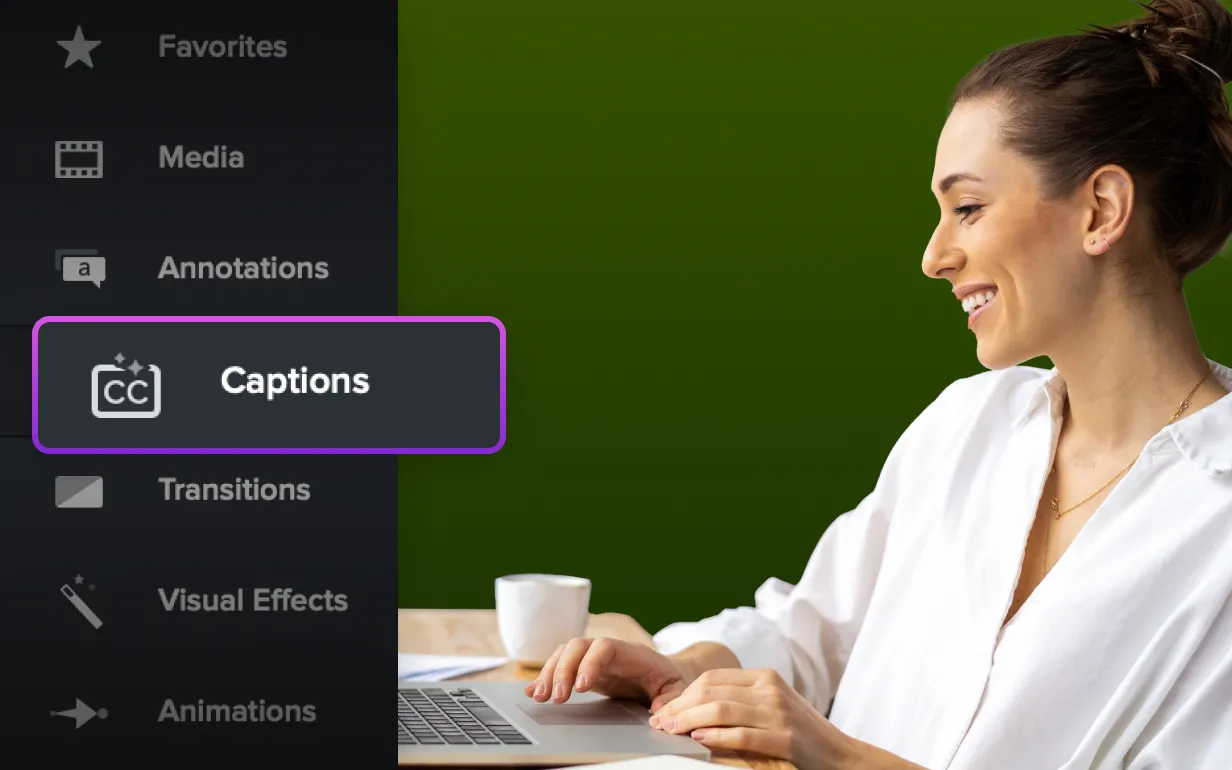
Customer Education
Customer-facing training built from the same tools and recordings you already use internally.
Effortless training at scale
Build a training library you can keep current
Scaling your training shouldn’t mean doubling your production time. The Camtasia Suite uses generative AI and smart workflows to handle the grunt work like localization and accessibility so you can produce more assets in less time.
Edit training video like a document
Camtasia Pro’s text-based editing lets you cut, rearrange, or fix a recording by editing its transcript. Delete a sentence from the text, and the video follows.
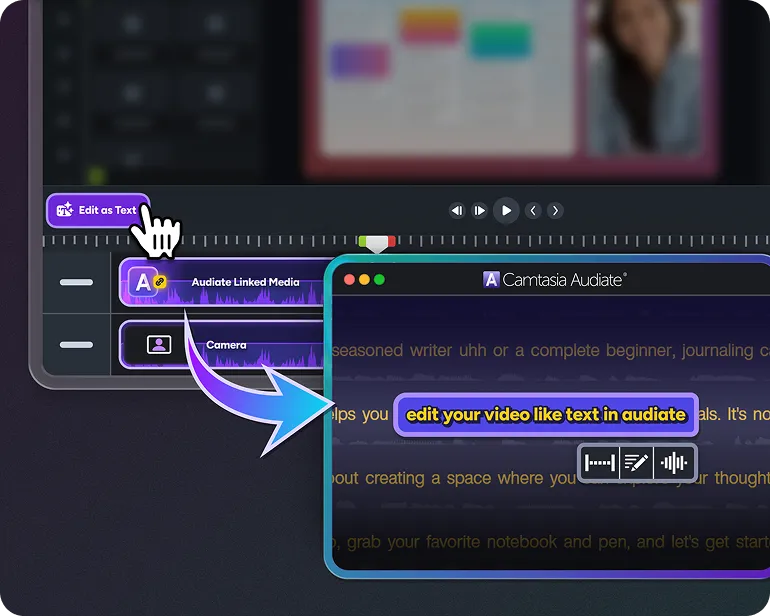
Serve global teams from a single recording
Translate captions and audio into additional languages from one source recording, so each region gets localized training without a separate production cycle.
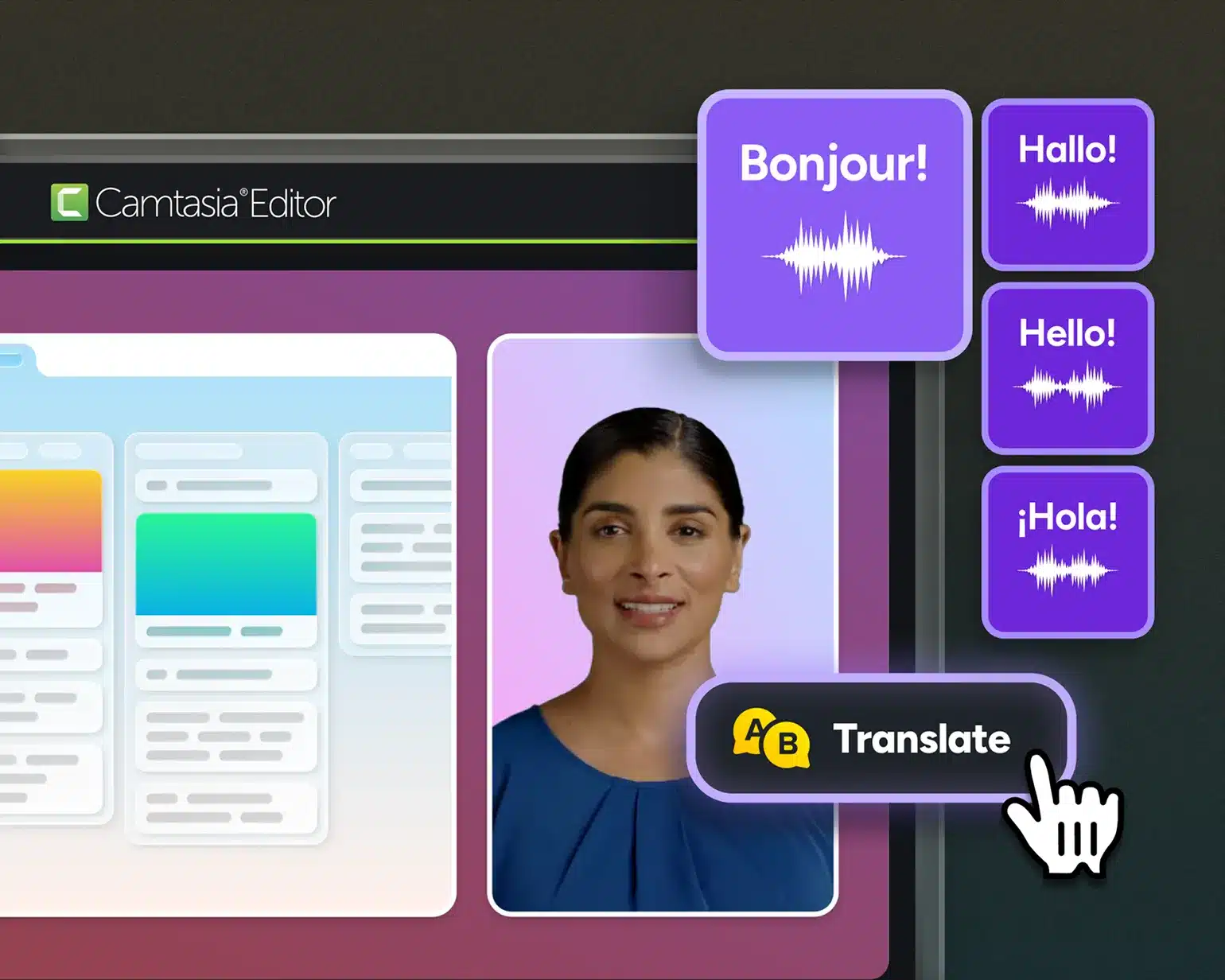
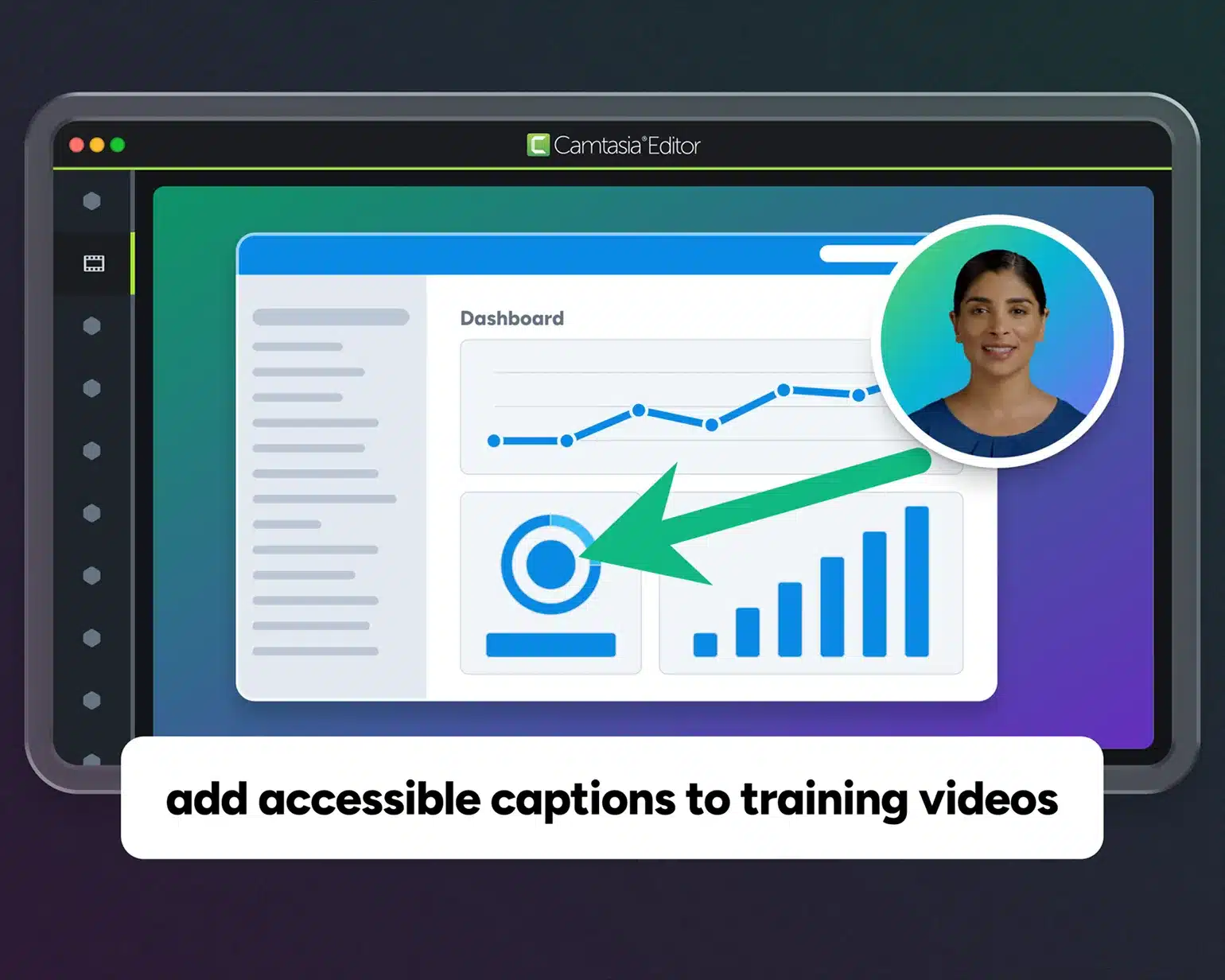
Build accessibility into every training video
Support an accessible workflow by generating captions in a single pass and reviewing them as editable text before publishing.
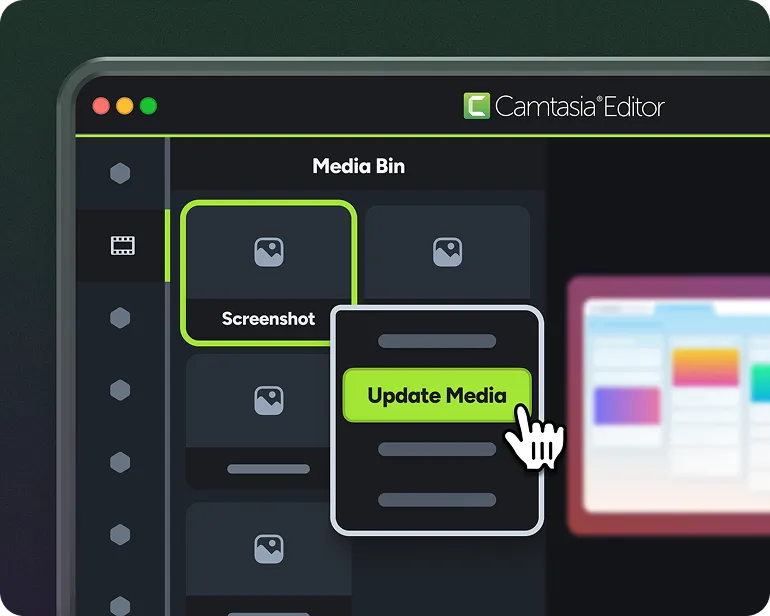
Keep your library current without reshoots
Replace a screenshot, update a line of narration, or swap a slide without rebuilding or reshooting the full video, saving your team time and resources.
A complete system for Training
One system for scaling training production
Corporate training is more than just a single video file. It requires a full suite of tools that can handle images, collaborative recordings, and more. With Camtasia, you always have the right tool for the task at hand.

Camtasia Editor
Capture screen recordings, edit on a visual timeline or through a transcript, and produce finished training video ready for your LMS.

Camtasia Audiate
Edit videos by editing text, generate voiceover, create avatar presentations, and translate audio from one tool.

Camtasia Snagit
Capture screenshots and step-by-step workflows for the guides, job aids, and reference docs your training program needs alongside video.

Screencast
Share finished training videos with stakeholders and collect timestamped feedback in one place before content goes live to learners.

Assets
Templates, intros, lower thirds, and branded elements can be shared across your team, so every trainer starts from the same consistent foundation.
Camtasia Online
Browser-based recording and light editing let team members and SMEs capture a walkthrough without installing or learning software.
One trainer’s experience with Camtasia

Camtasia’s ease of use, output quality, and output format options are a million times better than anything else I’ve been asked to use for creating video content.
Sara Schiebner Underwriting Communications and Training Specialist, Amerisure Insurance
The enterprise details L&D leaders ask about

Expert support when you need it
Responsive, human support from a team that understands your workflows and use cases.

Free training and certification
Free courses and certifications so new team members can start producing training content quickly.

AI innovation you can actually use
AI features built to streamline time-consuming tasks like captioning, translation, and narration.

Enterprise-grade security
Security, compliance, and data handling designed to meet enterprise IT standards.
100% of Fortune 500 Companies rely on the Camtasia suite to train their teams.





Why training professionals choose Camtasia
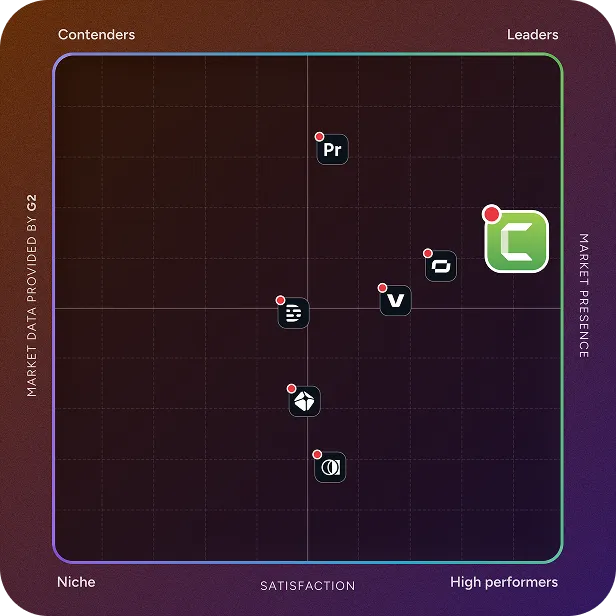
Basic screen recorders leave the hard work to you. The Camtasia suite of products provides the fastest workflow for turning screen recordings into polished tutorials. It’s the most user-friendly video creation platform for corporate training departments.
Skip to text version of this table
| Capabilities | Generic Recorders |  |
|---|---|---|
| Capabilities. Fixing mistakes | Generic Recorders, Fixing mistakes. Re-record the entire video | Camtasia Suite, Fixing mistakes. Edit one line, no reshoot needed |
| Capabilities. Handling UI changes | Generic Recorders, Handling UI changes. Reshoot from scratch | Camtasia Suite, Handling UI changes. Swap one screenshot, and you’re done |
| Capabilities. Going global | Generic Recorders, Going global. Rebuild for every language | Camtasia Suite, Going global. Localize captions without rerecording |
| Capabilities. Meeting standards | Generic Recorders, Meeting standards. Add captions manually after the fact | Camtasia Suite, Meeting standards. Generate and review captions in one pass |
| Capabilities. Keeping attention | Generic Recorders, Keeping attention. Raw recording, no visual cues | Camtasia Suite, Keeping attention. Cursor effects and callouts guide focus |
| Capabilities. Professional finish | Generic Recorders, Professional finish. No consistent branding between videos | Camtasia Suite, Professional finish. Saved styles keep every video on-brand |
| Capabilities. | Generic Recorders, . | Camtasia Suite, . Get Camtasia Pro |
Table content (text version)
Below is a plain-text summary of this comparison table. Each row lists the feature or row name, then each column’s value.
- Fixing mistakes. Generic Recorders: Re-record the entire video. Camtasia Suite: Edit one line, no reshoot needed
- Handling UI changes. Generic Recorders: Reshoot from scratch. Camtasia Suite: Swap one screenshot, and you’re done
- Going global. Generic Recorders: Rebuild for every language. Camtasia Suite: Localize captions without rerecording
- Meeting standards. Generic Recorders: Add captions manually after the fact. Camtasia Suite: Generate and review captions in one pass
- Keeping attention. Generic Recorders: Raw recording, no visual cues. Camtasia Suite: Cursor effects and callouts guide focus
- Professional finish. Generic Recorders: No consistent branding between videos. Camtasia Suite: Saved styles keep every video on-brand
- . Generic Recorders: . Camtasia Suite: Get Camtasia Pro
Built for L&D Teams
Get started today
Camtasia’s Pro plan gives you access to the full suite of training tools so you can get quality content out the door faster.