AI voice generator
Generate professional, AI-powered audio narration in minutes with Camtasia-Audiate — no mic or recording booth necessary.-
Jane
-
Archer
-
Grandpa Spuds
-
Monika Sogam
Choose from 100+ voices and match them with over 50+ avatars in 7+ languages.
AI voice generation that works as fast as you do
With Camtasia Audiate’s AI voice generator, you can:- Create pro-quality narration with no mic or voice talent needed
- Turn long-form scripts into voiceovers in minutes
- Update voiceovers and add voice changers without re-recording
Creating voiceovers? Gone are the days of expensive recording equipment, studio time, and multiple takes. With Camtasia’s AI voice generator powered by ElevenLabs, you can produce studio-quality narration in minutes. This feature uses machine learning to convert your text into natural-sounding speech, helping you create content faster without compromising on clarity or tone. That means you can focus on storytelling—not production delays.
How to use Audiate’s AI voice generator
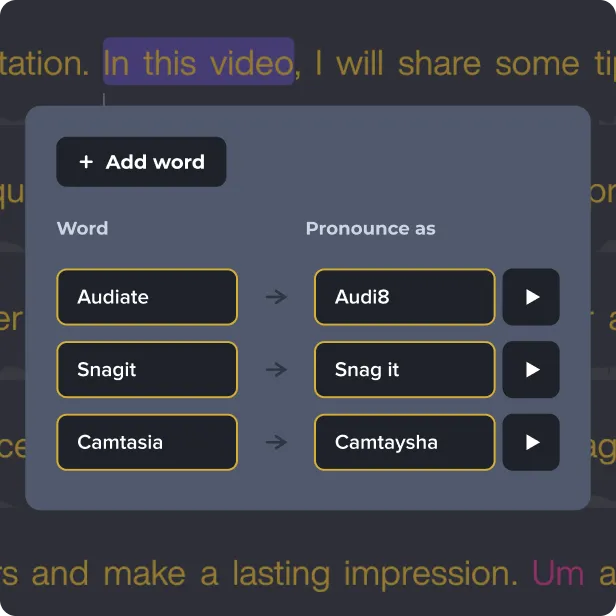
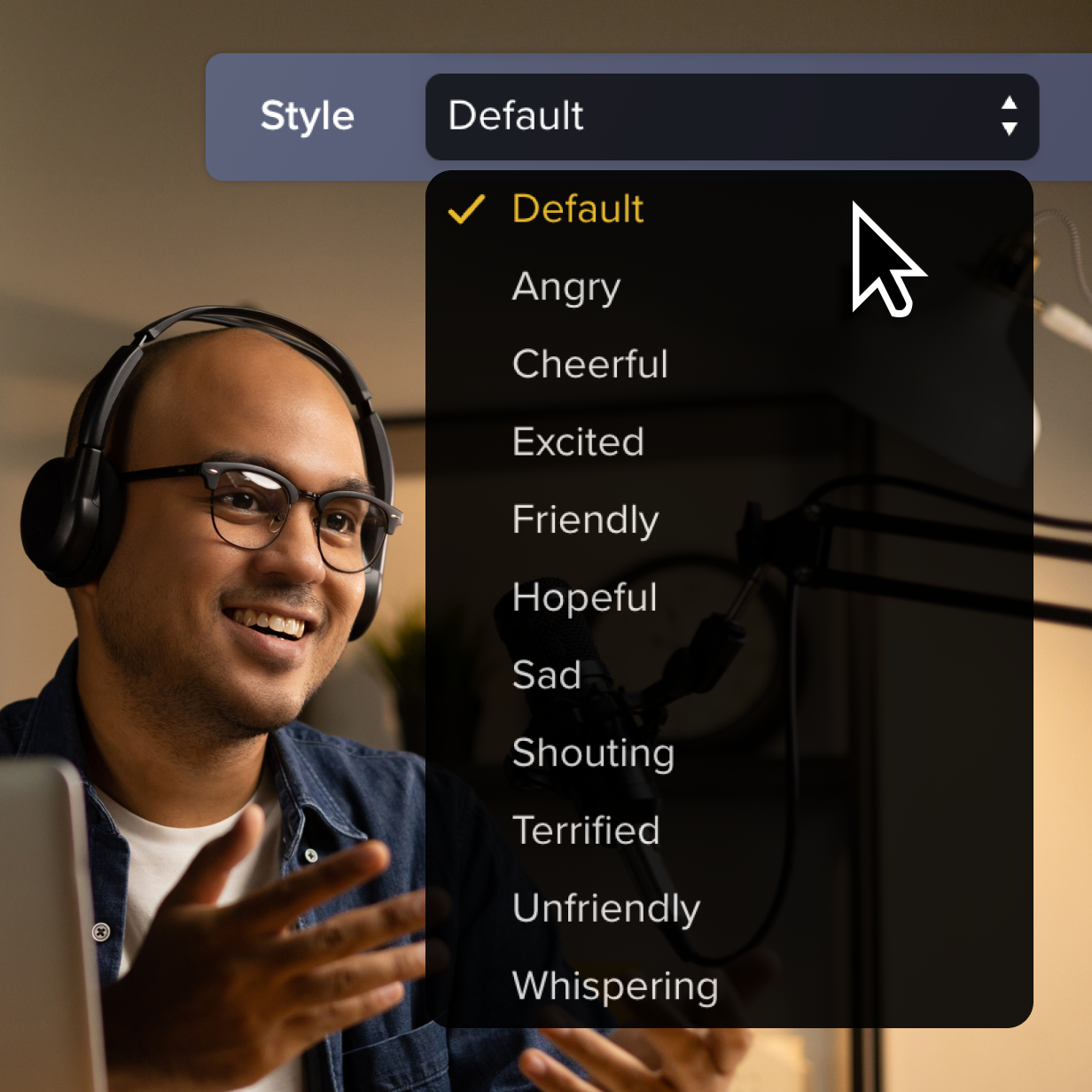
Audiate creates natural, high-quality voiceovers and allows you to customize the tone, speed, and dialect to match your needs perfectly.
1
Step 1: Write or import your script
Write or import your script into Audiate. Need a script? Use Audiate’s Generate Script feature to get started.
2
Step 2: Customize your AI-generated voice
Choose from a variety of natural-sounding voices and customize the tone, speed, and dialect.
3
Step 3: Export and share
Export your AI-generated voice and easily import it into your video project.
Why Audiate is the best AI voice generator
Audiate’s voice generator provides a professional alternative to traditional voice recording.
Customizable voice options
Let Camtasia’s AI do the heavy lifting, and tailor tone, speed, and dialect to match your video’s style and audience (without recording a single word).
Script translation
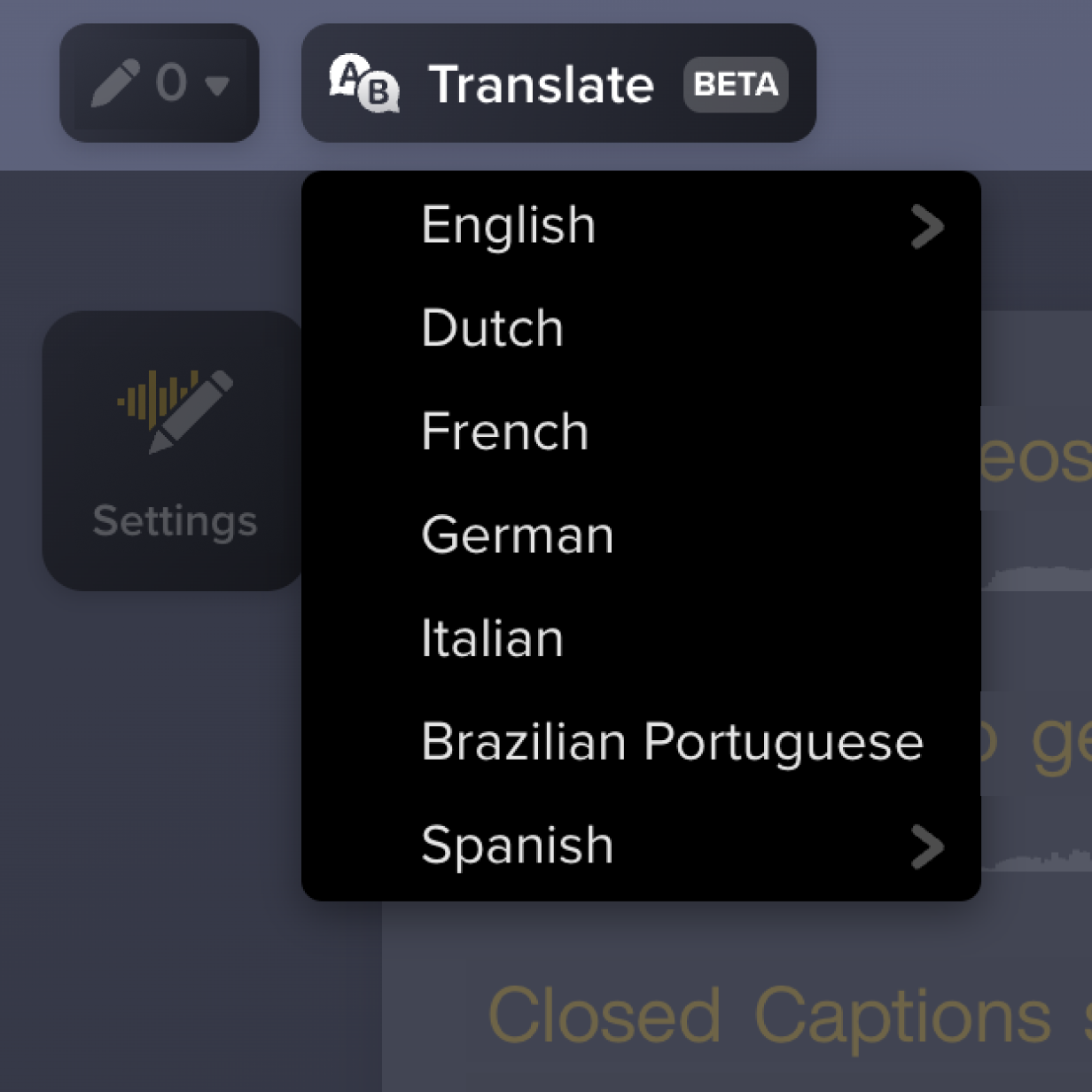
Finalize your narration in one language, then easily translate it into others—perfect for global audiences.
Multi-voice narration
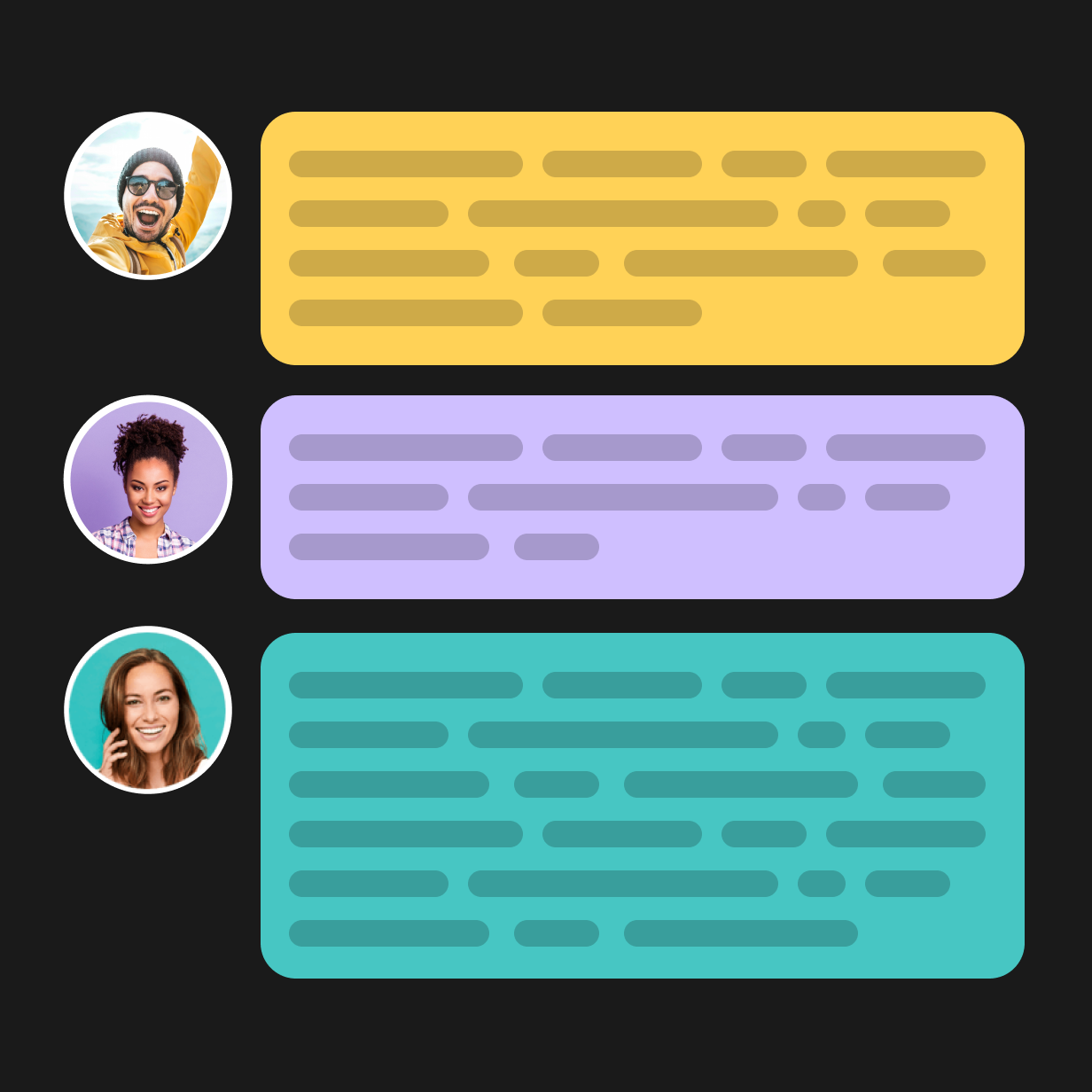
Break up your script and assign different AI voices to various sections, keeping your audience’s attention and adding variety to your content.
Get started with Camtasia Audiate
Unlock the full potential of your video projects with Camtasia Audiate’s AI voice generator
Get help with AI voice generation in our tutorials
FAQ
Yes, Camtasia Audiate allows you to save your customized AI voice settings, making it easy to use the same human-like voice across multiple projects without changing the settings each time. This means you can also create different voices, and reuse any voices in other projects for consistent narration across your content library.
Absolutely! You can use different voices in your script to create a dynamic and engaging experience. With Camtasia Audiate’s speech tool, you can fine-tune each voice for tone and pacing. This flexibility makes it easy to create audiobooks, podcasts, or multi-character videos that hold your audience’s attention.
Yes, Camtasia Audiate supports real-time translation of AI-generated voices into other languages like English, Dutch, French, German, Italian, Brazilian Portuguese, and Spanish. Whether you’re creating content for global e-learning or localized marketing, this feature helps any content creator deliver videos that resonate with a broader audience.
Camtasia Audiate’s realistic AI voice generator can handle even multi-page scripts quickly, typically producing high-quality audio narration within minutes, regardless of the script length. The feature has advanced AI text-to-speech tools to handle everything from short training clips to hour-long audiobooks. Once generated, the audio file can be seamlessly imported into Camtasia or shared directly to your social media channels.
Yes, Audiate’s AI voice generator creates professional voiceovers suitable for business presentations, instructional content, and use cases like marketing videos or internal training. Unlike some basic text-to-speech platforms, Camtasia offers granular control over intonation, pacing, and style to help your message land with impact.
Yes! Camtasia Audiate generates high-quality AI voiceovers that sound like real human speech, making your content feel polished and professional. Whether you’re new to audio editing or a seasoned creator, Audiate’s ultra-realistic voices are easy to use and deliver impressive results.
Customers on a current Camtasia Essentials or Create subscription can upgrade to Camtasia Pro to access AI avatars by following these steps. Camtasia customers on a perpetual license or Legacy Subscription can contact our Customer Care team for help moving their license to a Camtasia Pro subscription.
Customers with a standalone Audiate subscription can contact our Customer Care team for help converting their existing Camtasia license and Audiate subscription to a Camtasia Pro subscription.
Still can’t find what you need? Contact us and we’ll help you out.
Access to the ElevenLabs Premium Voices is included with eligible subscriptions (Camtasia Audiate, Camtasia Pro, Camtasia Create) purchased directly from the TechSmith online store. This means subscriptions purchased through a software reseller or TechSmith sales representative do not include ElevenLabs Premium voices. All customers will have access to the Default Voice collection in Camtasia Audiate. This is due to ElevenLabs’ policy. (view support page)
Still can’t find what you need? Contact us and we’ll help you out.