The AI Video Background Remover for Training Videos
Corporate trainers and instructional designers can clean up video backgrounds in one click with AI. Messy home offices and shared workspaces disappear, with no green screen required.
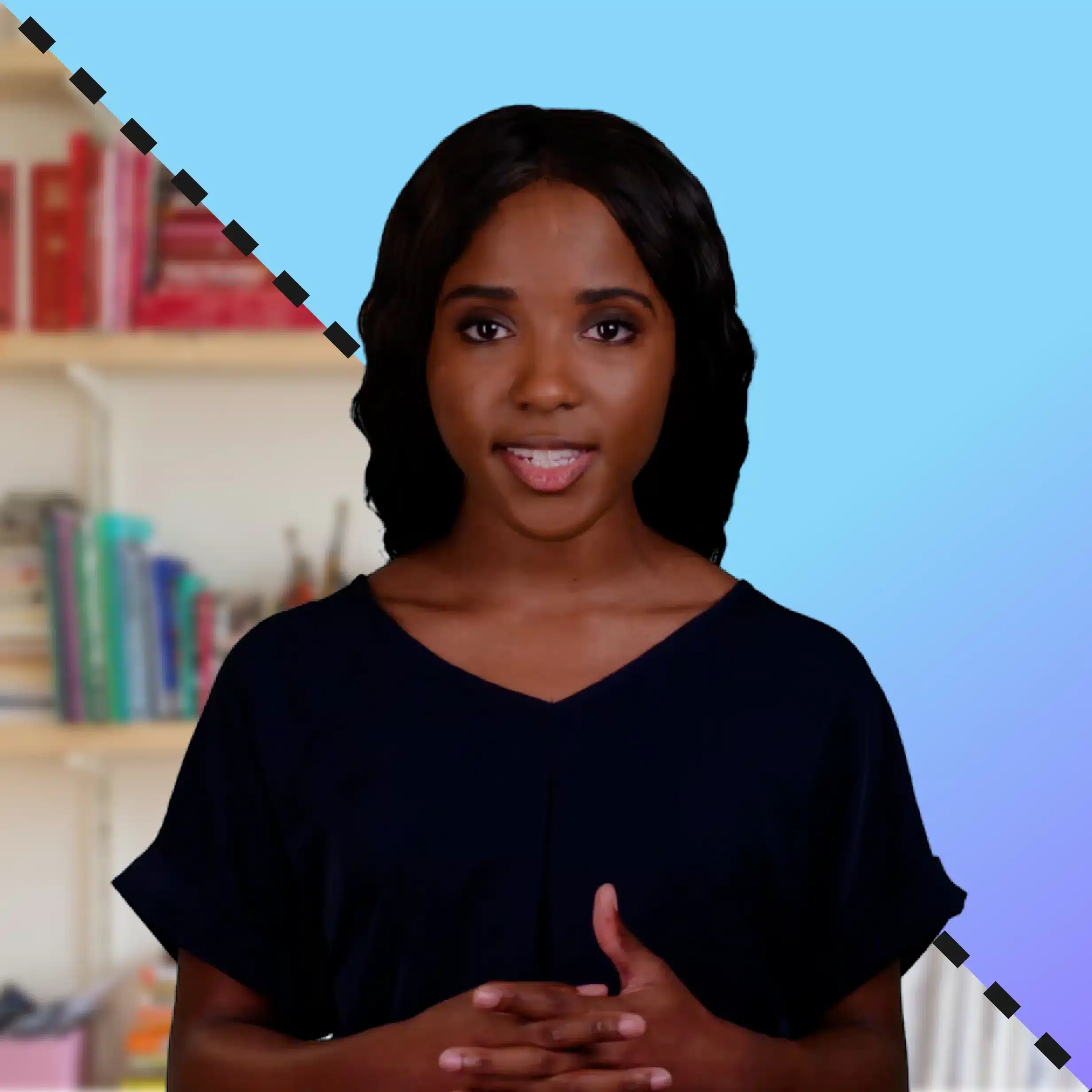
Camtasia’s AI video background remover gives you a fast, easy way to create polished, high-quality videos without complex setups or third-party apps. With one click, you can remove or blur any background, making your content clean and professional, even if you recorded it in your living room.
This all-in-one tool is excellent for beginners, marketers, and content creators who want studio-quality results without the complicated tools. Camtasia Editor even supports transparent backgrounds for overlays or custom scenes.
Remove a video background in three steps
Camtasia Editor’s video background removal effect lives inside the same editor trainers use to record and edit the rest of the video.
1
Step 1: Record or import
Record a new video or import an existing screen or camera recording. No special footage or setup is needed.
2
Step 2: Select the tool
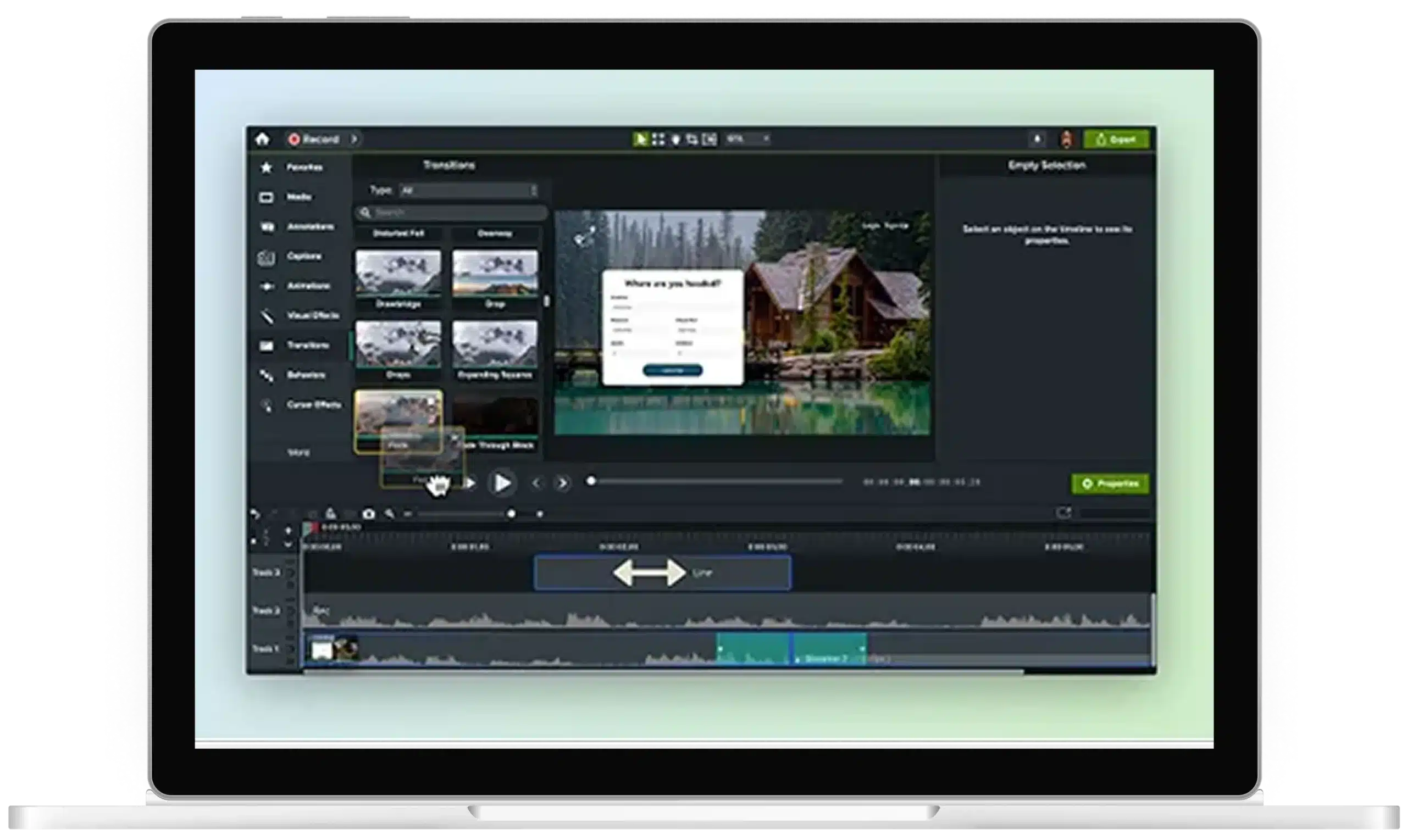
On the Visual Effects tab, choose Background Removal, then drag the effect onto the clip in your timeline.
3
Step 3: Apply the effect and adjust
The effect processes automatically, with no masking or keyframes. You can adjust details, including blur and opacity, before export.
What sets it apart from a standalone tool
Camtasia Editor gives you a unified recording and editing workflow, so you can remove backgrounds without exporting, uploading, editing, downloading, and re-importing your footage.
Beside your screen recording
Built for training workflows: Position the cleaned presenter clip beside the demo instead of covering crucial content.
One shared timeline
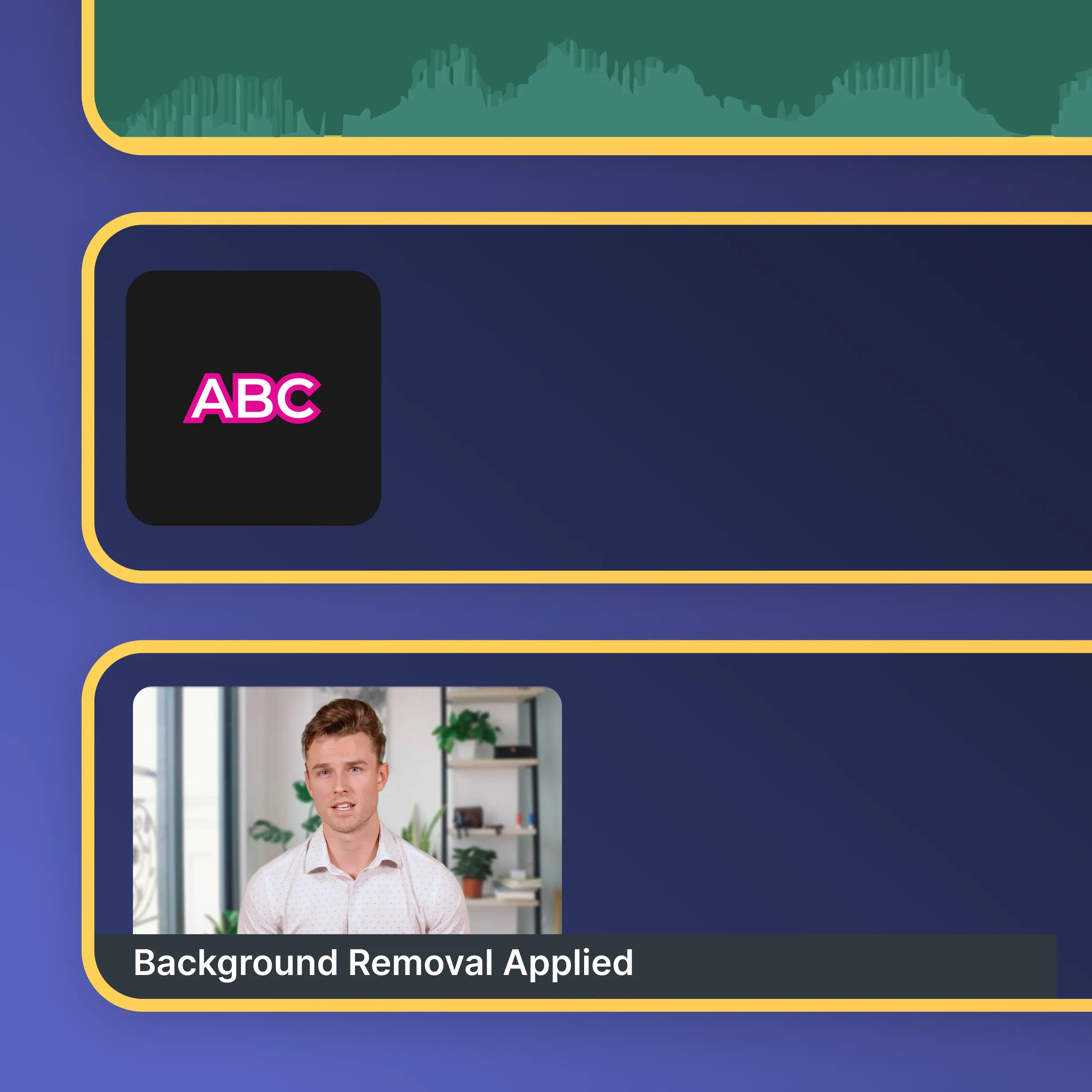
Keep all your editing in one place: background removal works alongside captions, callouts, audio cleanup, and more.
Your own brand background
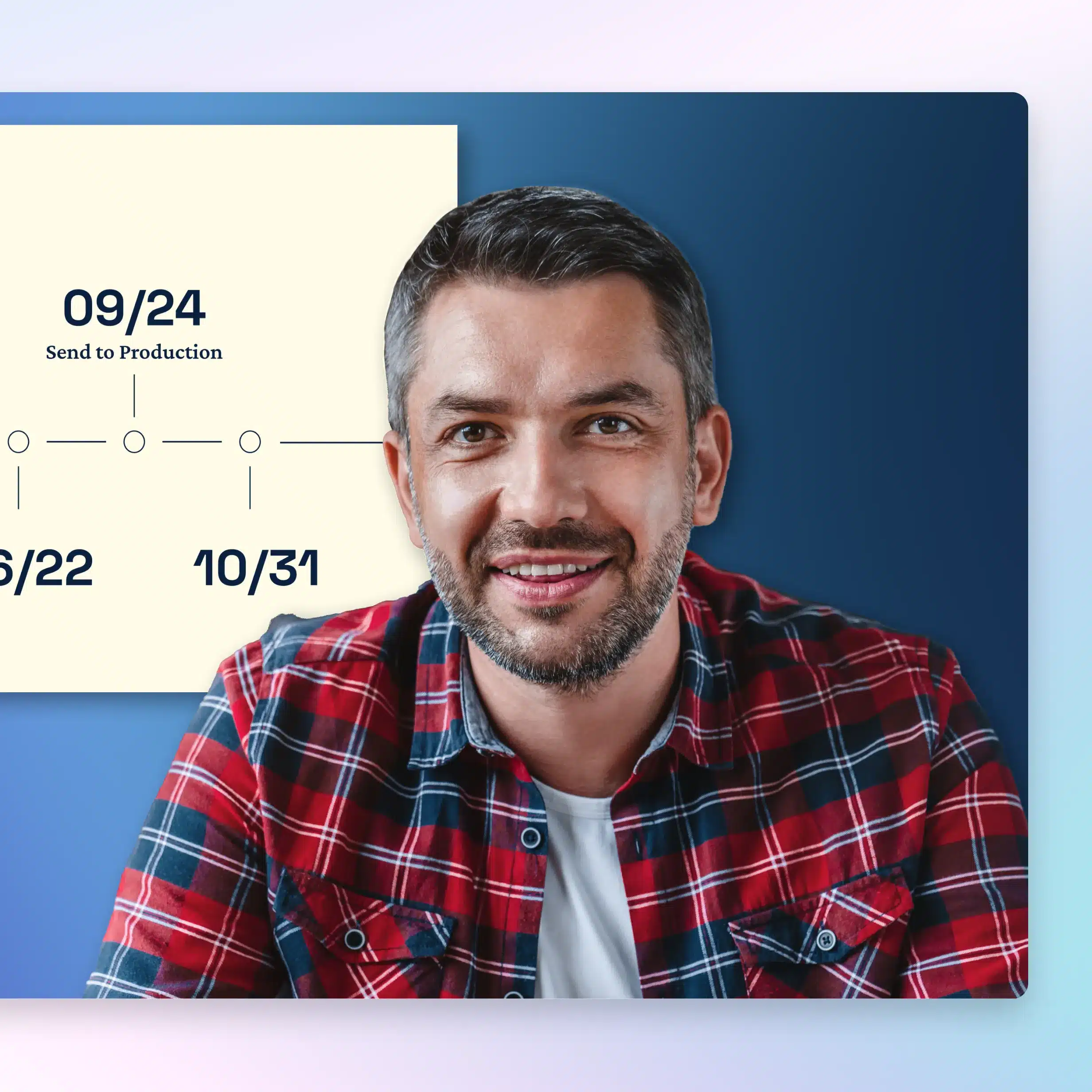
Maintain consistency: Replace messy backgrounds with a solid color or brand image to keep videos on brand.
Clean up your next recording today
See how easy it is to remove distracting backgrounds in Camtasia without the hassle of green screens or outside tools.
Still can’t find what you need? Contact us and we’ll help you out.
No green screen required. Camtasia Editor’s AI detects your subject and separates them from the background automatically, without keying, masking, or a dedicated recording space. That said, good lighting and some contrast between you and your background give the AI cleaner edges to work with, so a well-lit room helps even though it isn’t required.
Camtasia’s AI tracks your subject frame by frame, so results stay far more consistent than manual masking or rotoscoping. Fine details like flyaway hair or fast hand movement are the hardest cases for any segmentation model, and edge quality can shift slightly with lighting, clothing patterns, and camera resolution. For the cleanest cutout, record with even lighting and clear contrast between yourself and your background before applying the effect.
Background removal runs inside the Camtasia Editor desktop application, so your recordings stay on your machine during editing instead of being sent to a third-party service. That matters when your training footage includes unreleased software, employee faces, or customer data that shouldn’t leave your organization. For full details on data handling and enterprise controls, visit Camtasia’s Trust Center.
Camtasia Editor’s background removal effect uses your graphics card to process video, so a discrete GPU and current graphics drivers will give you the fastest results. It will still run on integrated graphics, but longer recordings or higher resolutions may take more time to process. Check Camtasia Editor’s system requirements before you plan on removing backgrounds regularly, especially on shared or older machines.
Yes, that’s how most trainers and instructional designers use this feature. Because Camtasia Editor captures your camera and screen recording on separate tracks, you can remove your background, resize your video, and position yourself beside your slides, software demo, or documentation instead of covering it. It’s built for tutorials, training modules, and technical walkthroughs, not just talking-head clips for social media.