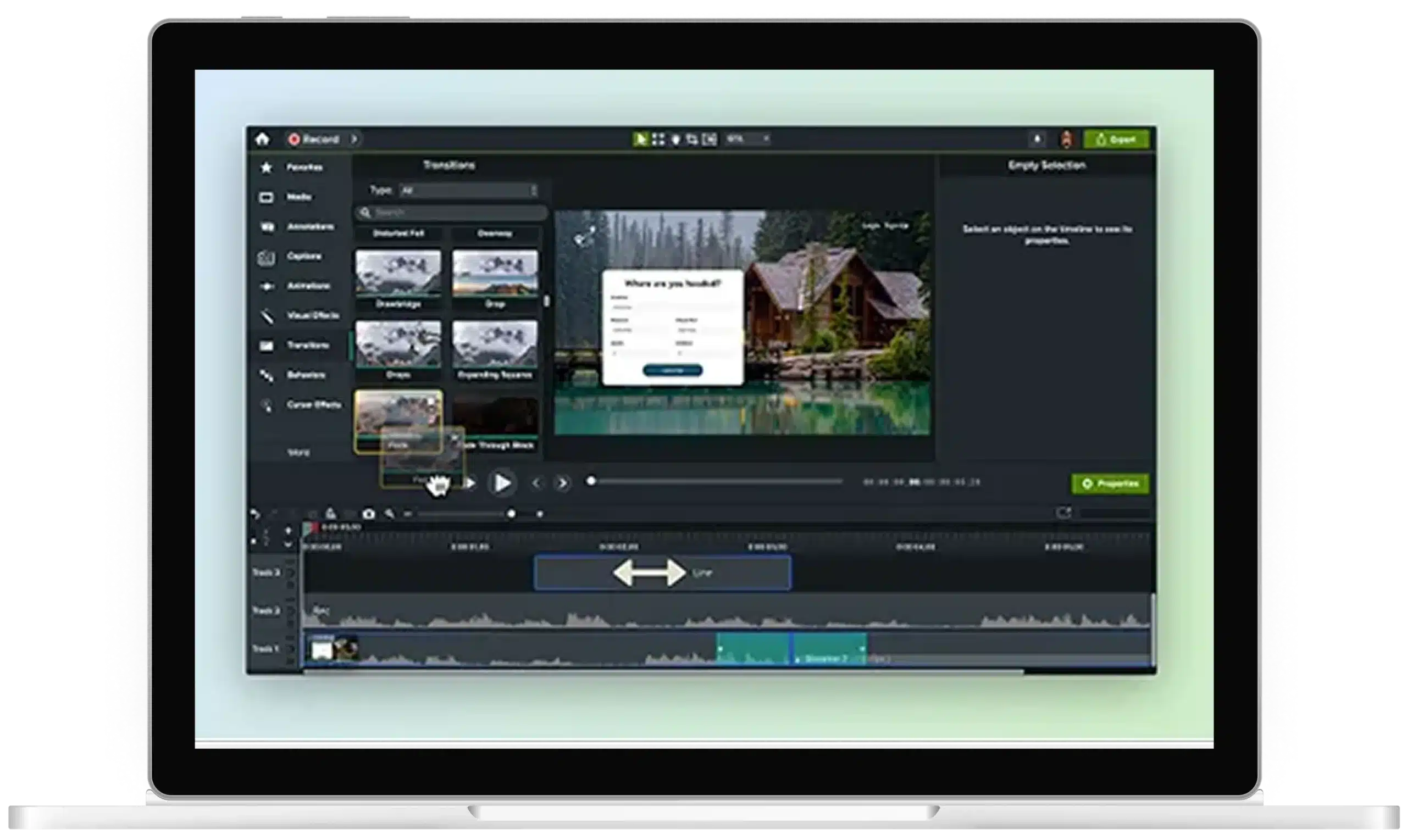
Multitrack screen recorder
Create professional-quality videos that captivate your audience with Camtasia Editor’s multitrack screen recording capabilities. Record your screen, camera, and audio in stunning 4K, all while capturing meta-data like cursor paths and window sizes for unparalleled editing control. Whether you’re creating software demos, tutorials, or educational content, Editor lets you edit your videos with precision, saving you time while delivering standout results.
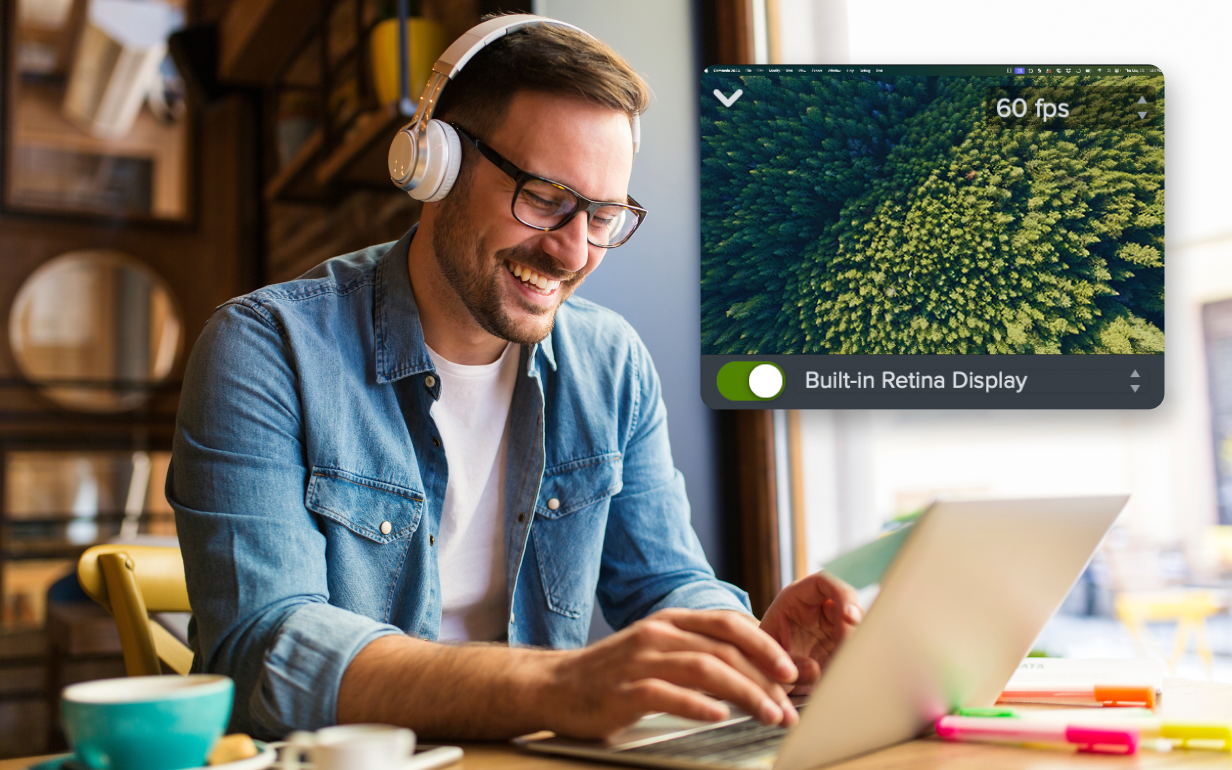
Why Camtasia Editor’s multitrack recorder stands out
Editor isn’t just a screen recorder—it’s a powerful tool designed to make your videos shine.
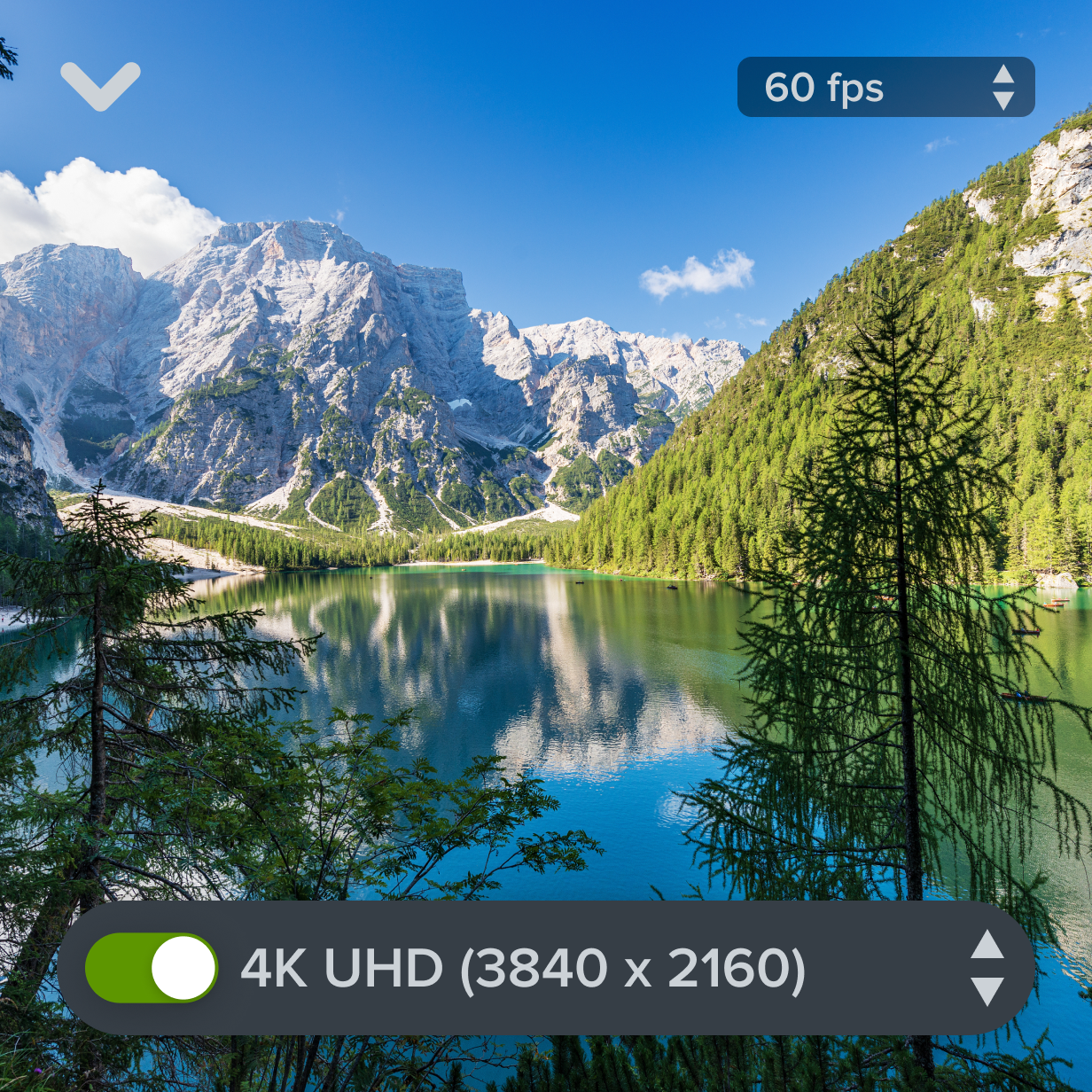
Capture your screen in 4K
With Editor, you can capture your screen in crystal-clear 4K resolution, making every detail pop and giving your videos a professional edge.
Total control over cursor movements
Editor tracks cursor data, so you can adjust the size, shape, and movement of your cursor after recording. Made a mistake? No problem. Edit it later.

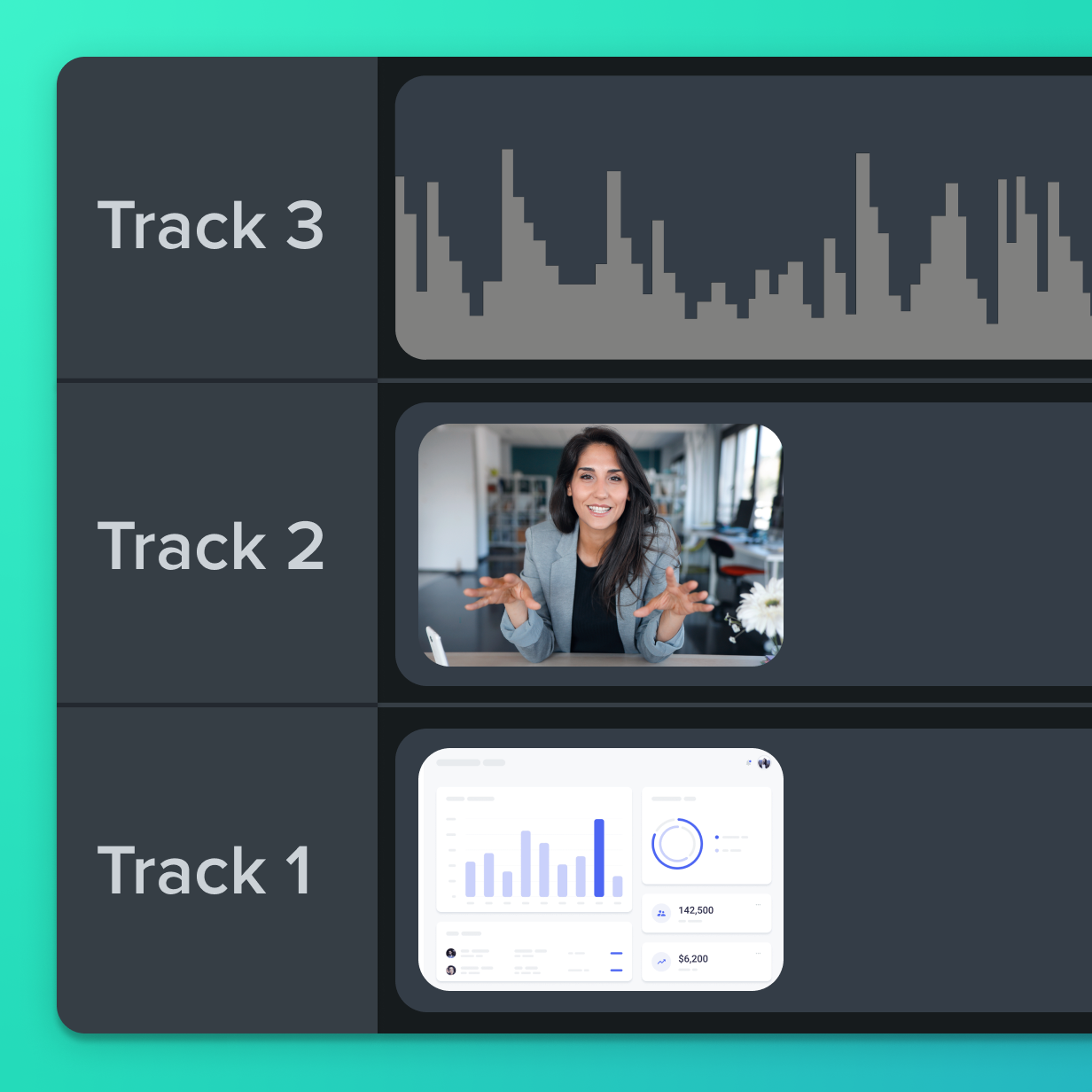
Separate audio, screen, and camera video tracks
By recording audio and video on separate tracks, you gain full control over every element of your project. Adjust elements independently without starting over.
Get started with Camtasia Editor