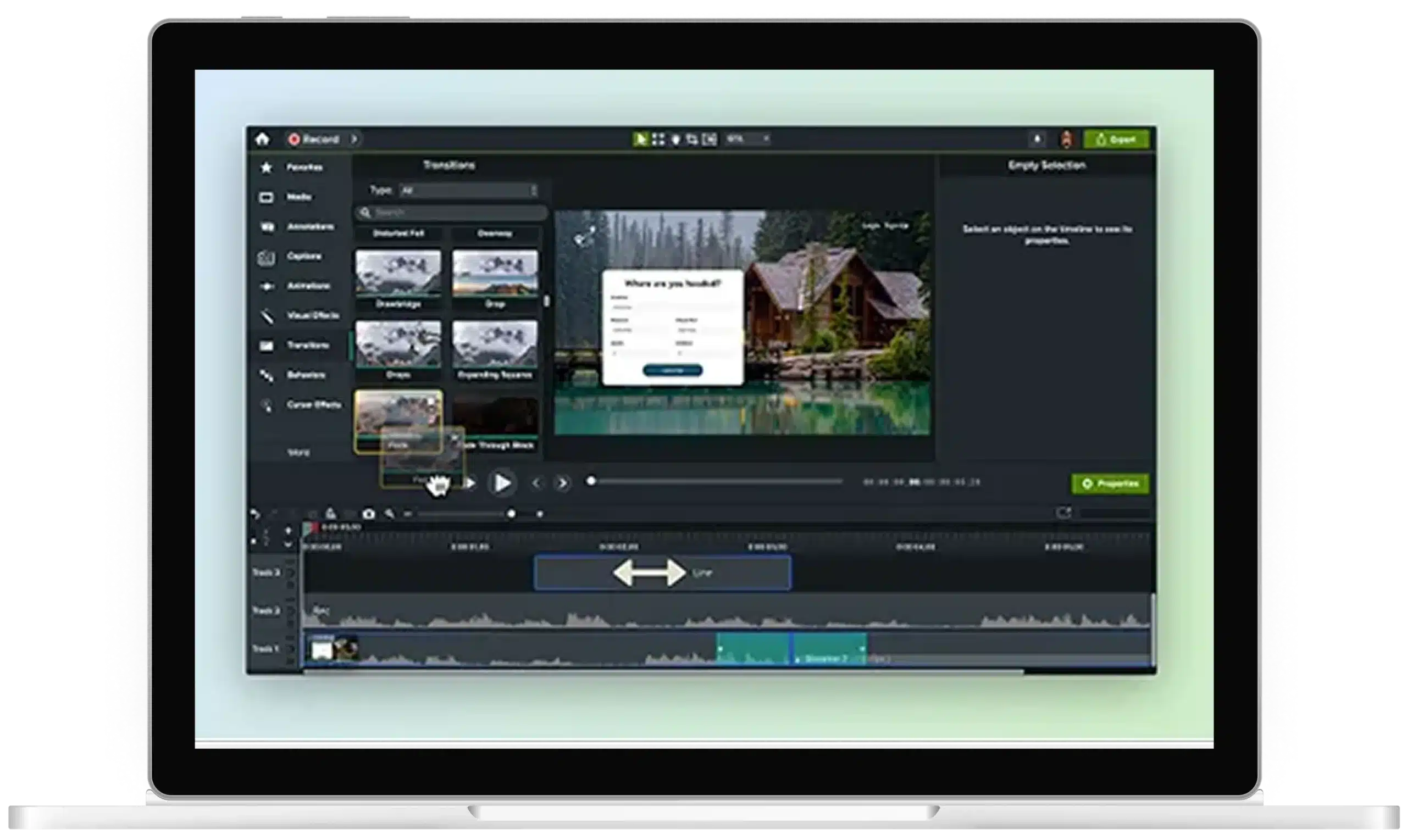
Add music to your video without drowning out your voice
Camtasia Editor gives trainers royalty-free music, plus fade and volume controls to keep background music behind the narration.
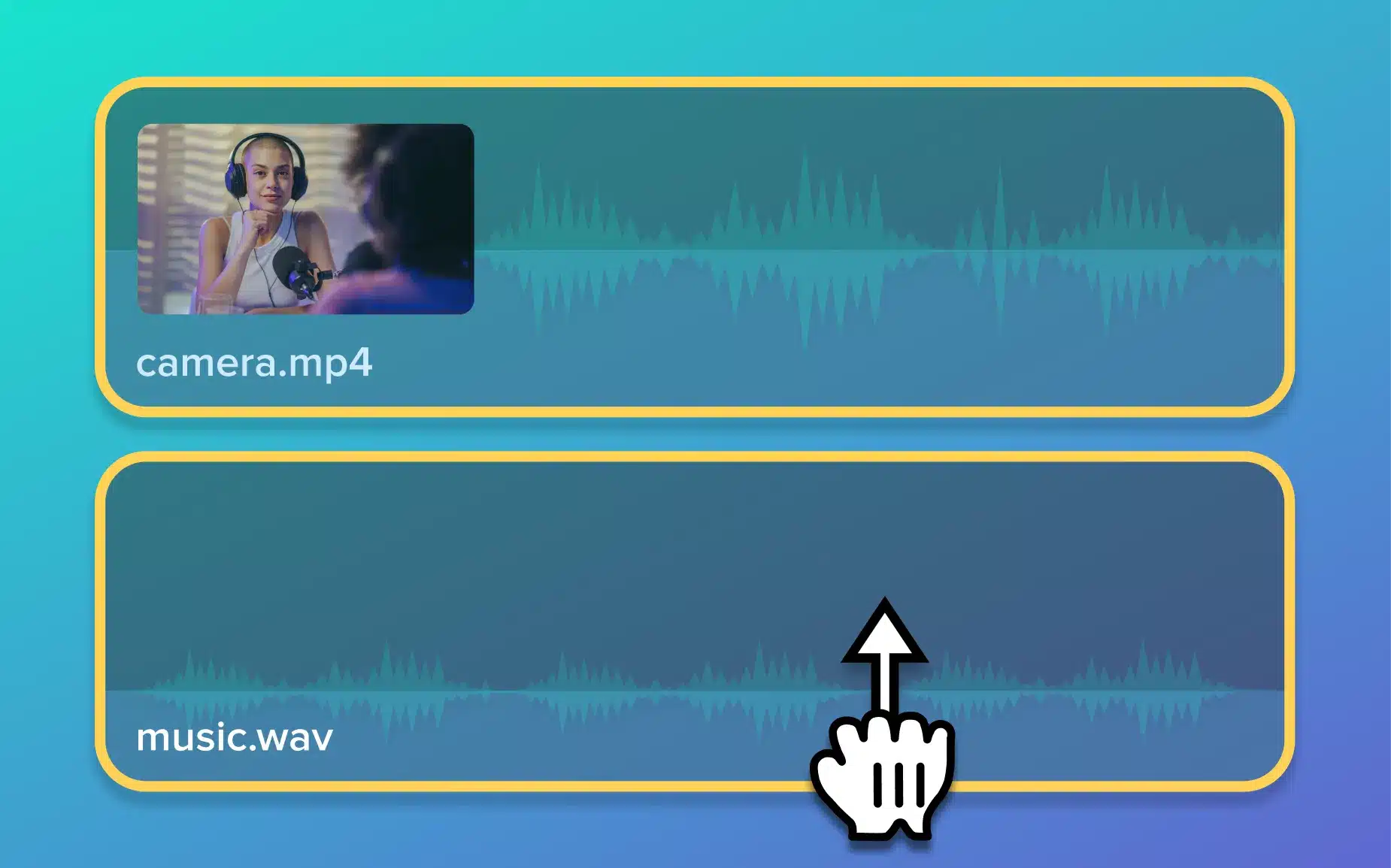
Getting the music right is trickier than it looks

Music tracks you aren’t sure you can legally use
Finding music you like is time-consuming, but checking licenses to avoid copyright claims takes even longer.

Sound mixes that drown out your voice
You set the volume once, but quieter narration can still disappear under the track entirely.

Mixes that break with each edit
One small change to the narration in a completed video can require recutting the music, too.
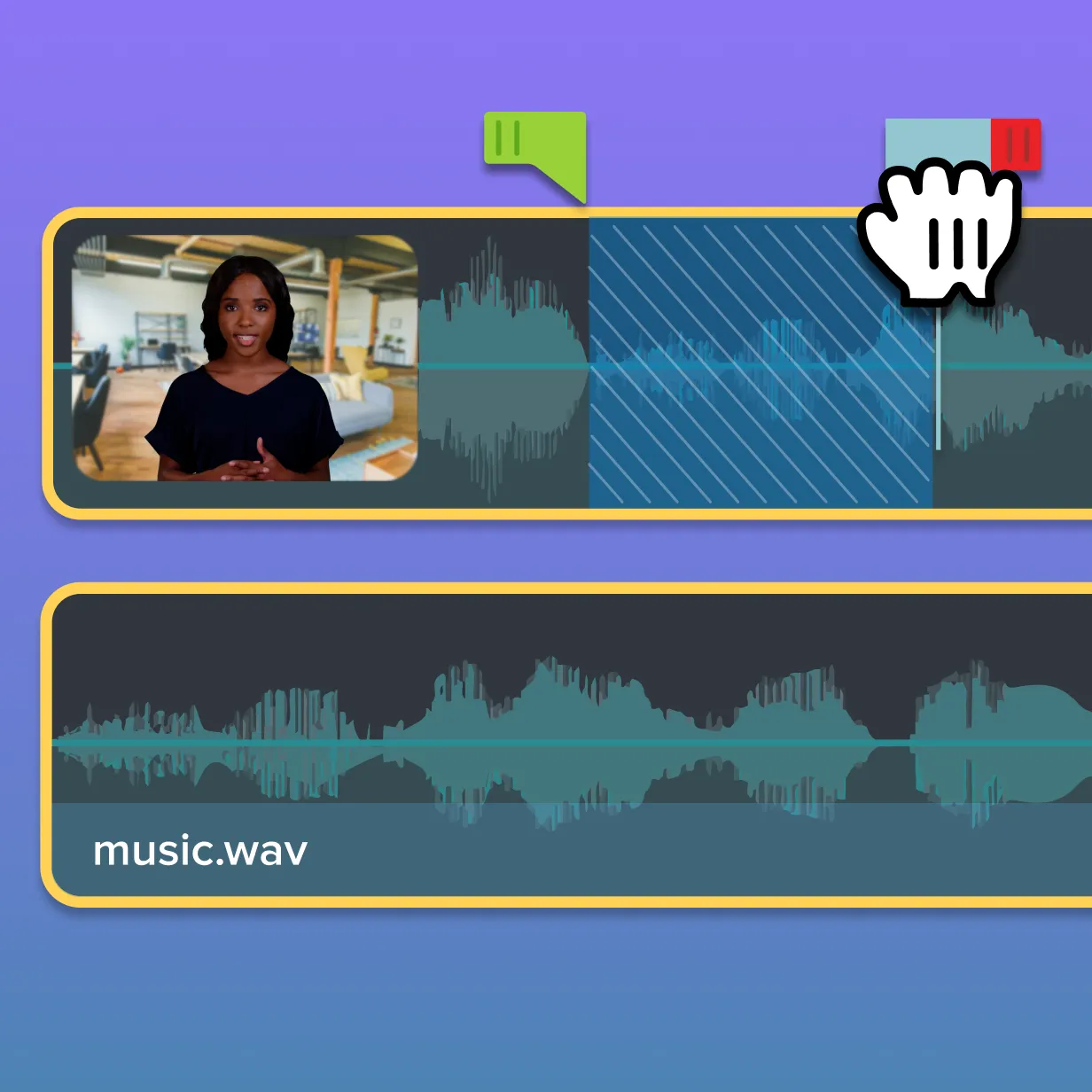
Music on its own track, separate from your narration Editor is the best way to
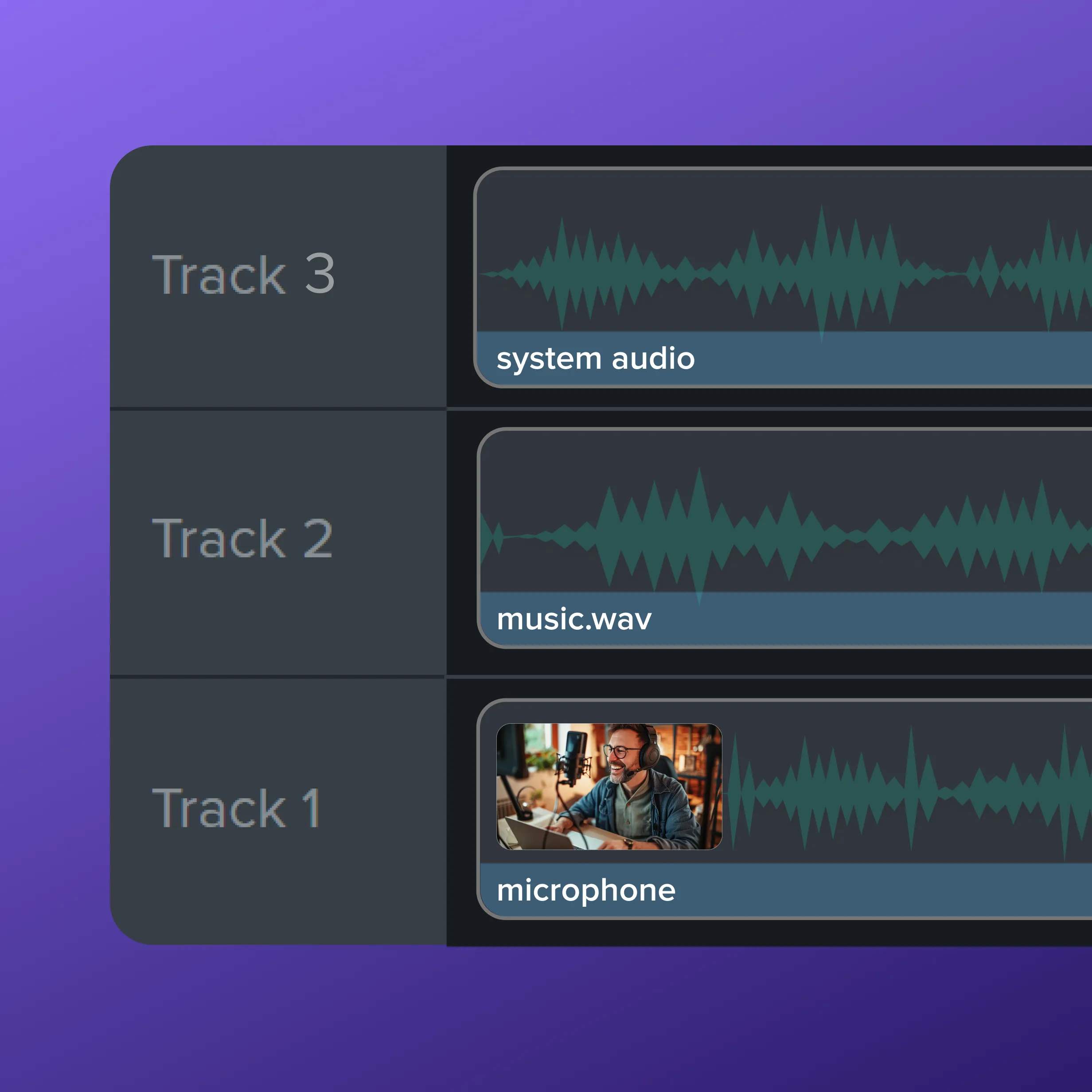
Tracks stay separate
Music doesn’t share a track with your voiceover, so a volume adjustment to one won’t affect the other.
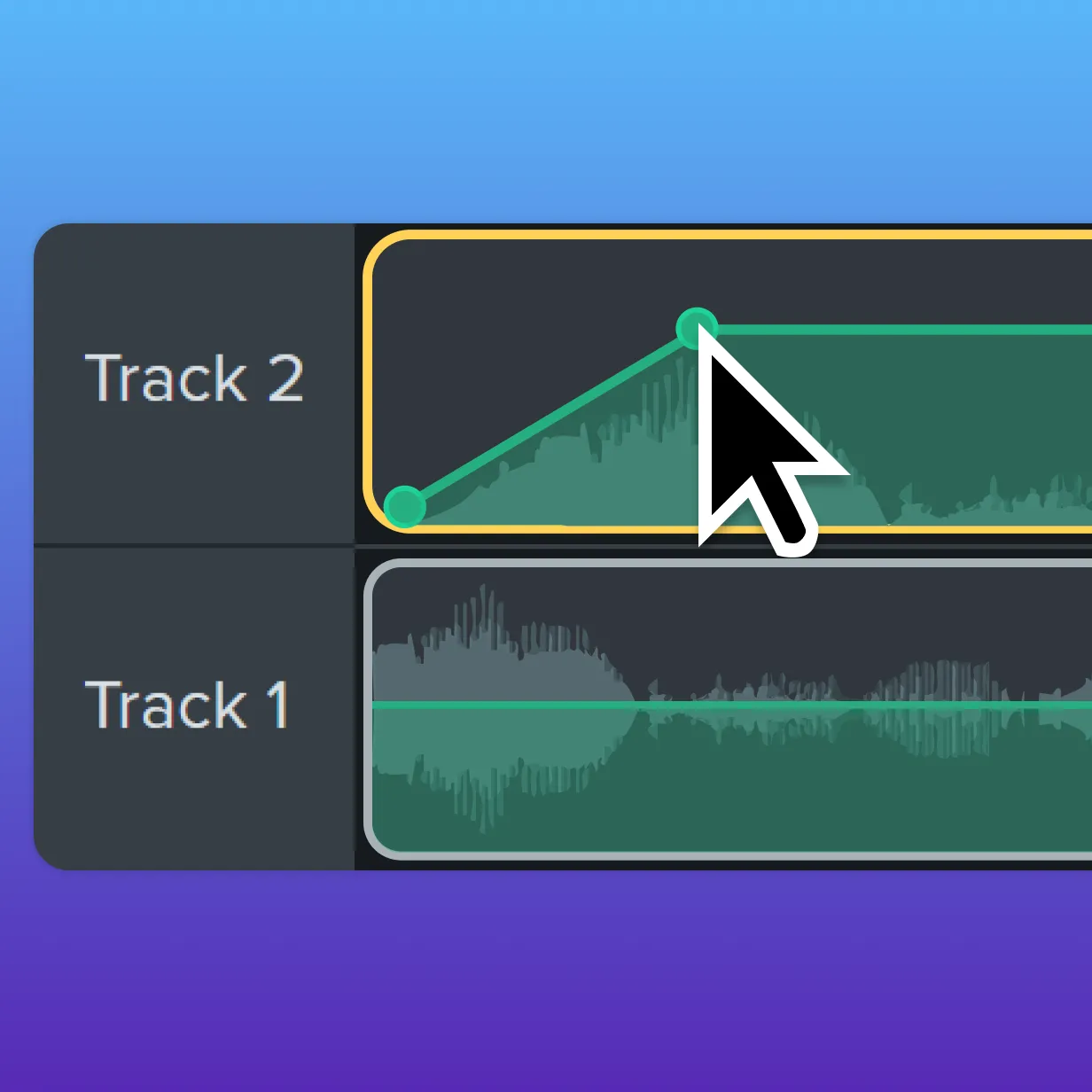
Trim, fade, and balance
Trim a track to length, fade it in and out, or use Emphasize to automatically lower the music when you speak.
Edit without remixing
Each track is independent, so a change to the narration or a swapped clip won’t require a music remix.
Your video deserves better background music
Start a free trial to add music to your training video with full control over volume, fades, and track placement.