









CAMTASIA FOR EDUCATION
Create video lectures students want to watch
Record, edit, and share video lectures without a video team or steep learning curve.

Screen recording software trusted by 100% of Fortune 500 companies.





powered by AI
Everything you need to create videos for teaching
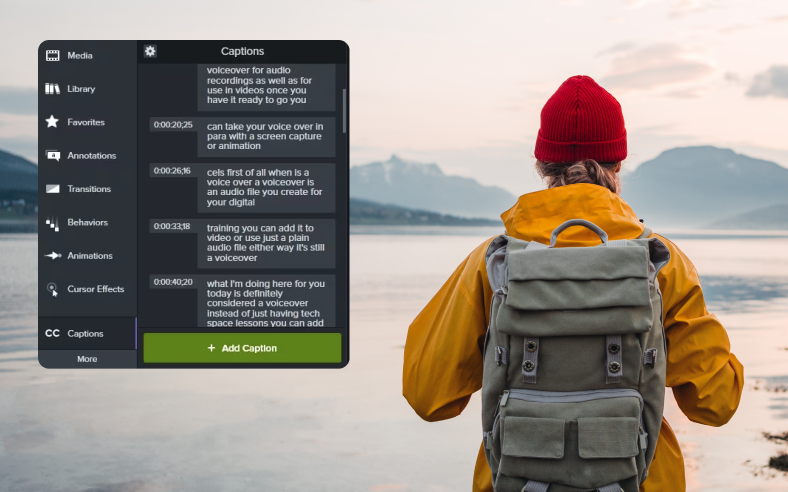
From auto-generated captions to intelligent editing suggestions, Camtasia’s AI-powered tools help you focus on the teaching.

Screen recording
Record part or all of your computer screen, up to 4K at 60 frames per second.



AI generated titles, descriptions, and chapters
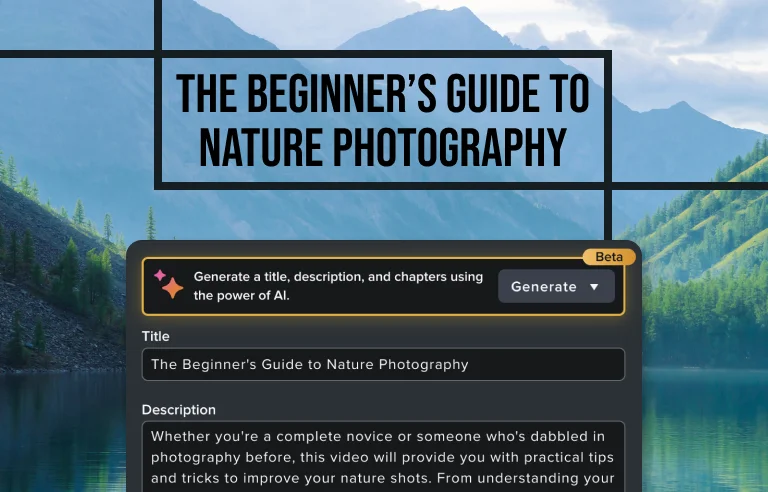
Automatically generate titles, descriptions, and chapter markers for your videos.

Customizable titles, templates, and themes
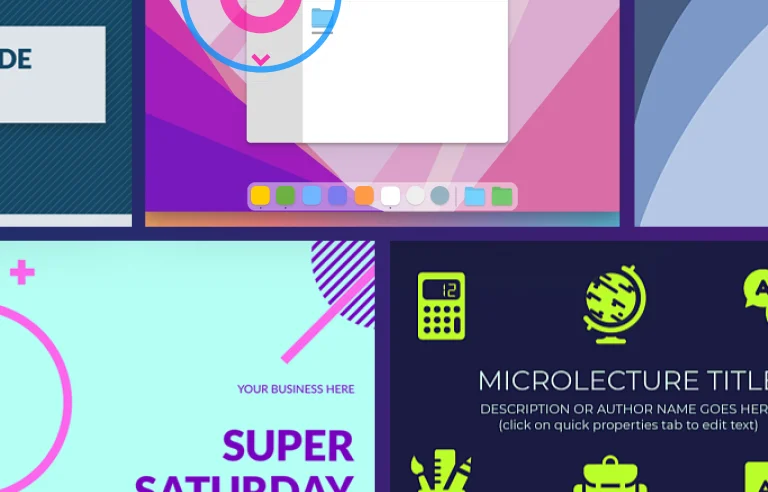
Browse professionally-designed titles, templates and themes and easily add your logo, text, and colors to make it your own.

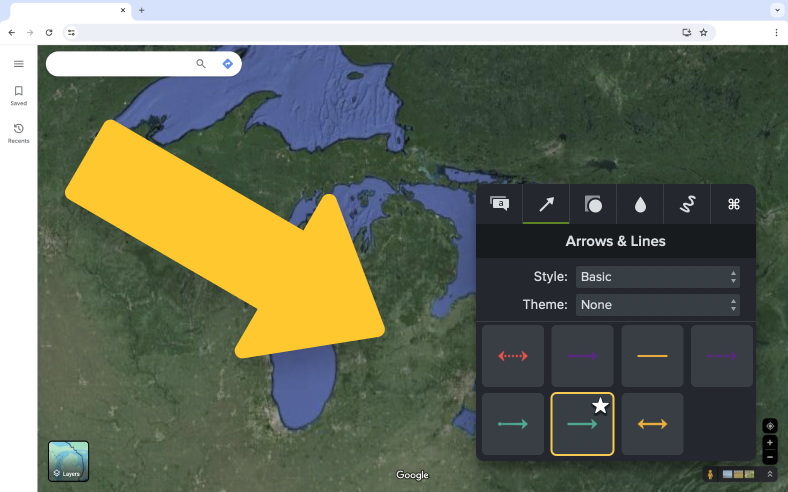
On-screen annotations
Place callouts, arrows, shapes, and sketch motion on any part of your video.
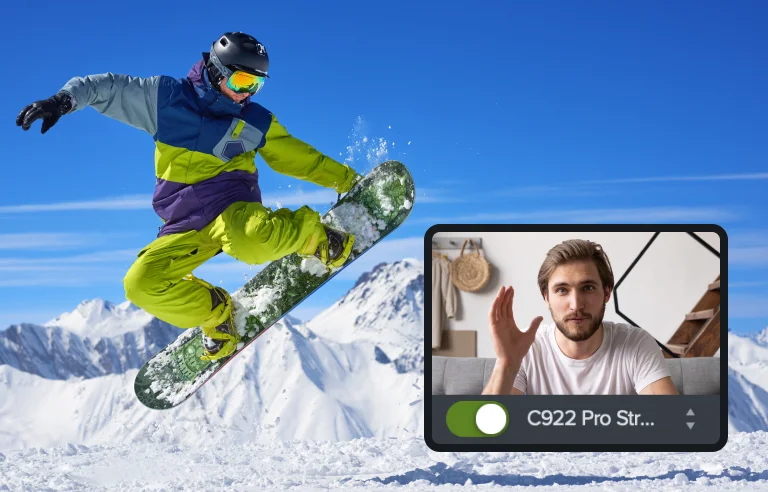
Camera recording
Record your built-in or external camera. Place and enhance that footage anywhere in your video.
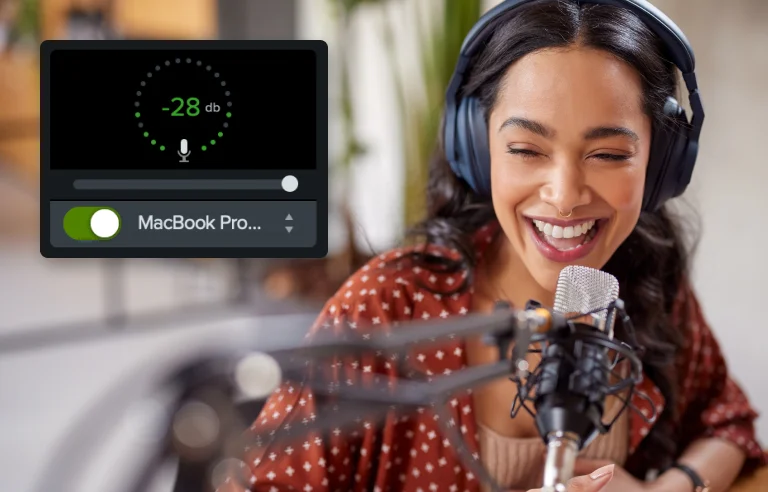
No video editing experience needed
If you can present a lecture or record a Zoom call, you can use Editor.
Save hours with text-based editing
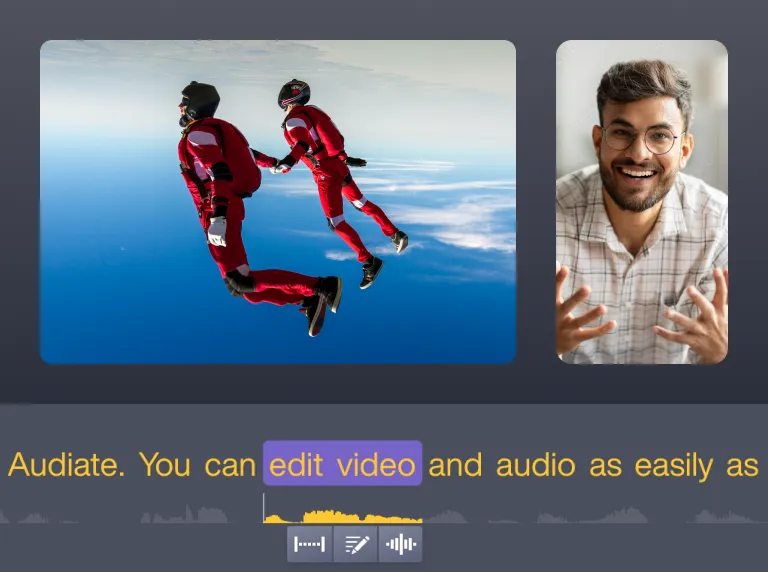
Cut “ums,” remove mistakes, or clean up audio just by editing a transcript.

Designed for academic content
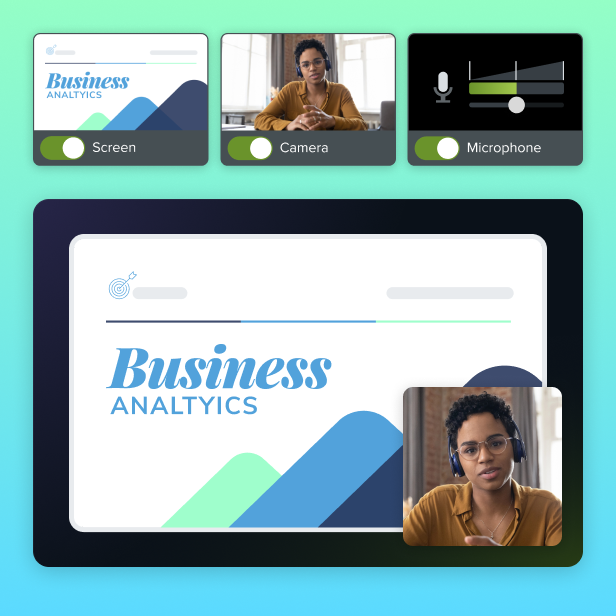
Combine slides, screen recordings, webcam, and narration into one cohesive video without jumping between tools.
Works with your LMS
Export SCORM packages or MP4s ready for upload to your preferred LMS.

Professional, accessible results
Editor’s built-in themes, annotations, and captioning tools help make your videos look sharp and meet accessibility standards.

Scales with your institution
The Camtasia product suite fits right into your institution’s tech ecosystem, with deployment options and user management tools that help IT teams support educators efficiently.
Enterprise-grade security
SOC 2 Type 2 and GDPR compliance. Builds that are signed and security-checked.

Designed for scale
Deploy across teams or campuses with flexible installs and centralized control.

Easy to manage
Flexible licensing and centralized control make IT happy.
Voted the best by our happy customers, over and over again.



Teaching is hard enough. Learning Camtasia Editor isn’t.
From quick tutorials to in-depth webinars, we’ve created a full library of resources to help you get the most out of Editor.

Tutorial
Build Your First Video

Blog
Why do Viewers Disengage from Video Lectures?
Webinar
How to Create Educational Videos for YouTube with Camtasia
Tutorial
Add Markers & Video Table of Contents
Blog