


AI avatar generator
Create engaging, professional-quality AI videos featuring hyper-realistic, lifelike avatars in Audiate with a Camtasia Pro subscription.
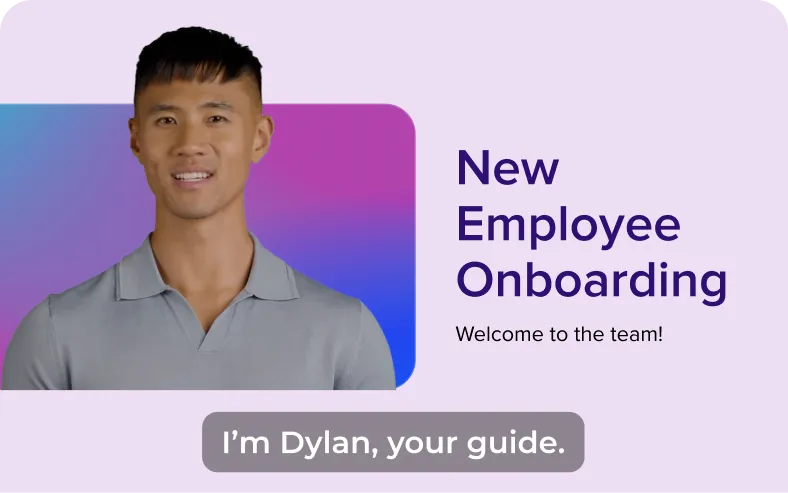
Luis
Anya
Tim
Jackson
Noah
Maya
Explore a curated set of avatars.
Choose from 50+ avatars and pair with 100+ voices across 7 languages.
Bring your message to life with AI-powered avatar videos
With Camtasia’s AI avatar tools, you can:- Turn your script into a talking stock avatar with accurate animations, including facial expressions and gestures
- Choose from diverse avatar styles
Building training videos, marketing content, or TikTok explainers? Camtasia’s AI avatar maker helps you deliver your powerful message fast.
Create high-impact videos using hyper-realistic, lifelike avatars without the need for expensive equipment or on-camera talent. Ideal for content creators, trainers, and marketers, this feature combines AI tools like text-to-speech, AI voice generation, and automatic lip-syncing to produce polished avatar videos that feel natural and professional.
AI AVATAR GENERATION IN CAMTASIA PRO
How to create AI avatar videos
Creating professional avatar videos has never been easier.
1
Step 1: Write or upload your script
Open Audiate and input your script to generate audio—or record your voice directly in the app.
2
Step 2: Select your avatar
Choose from a library of 49+ realistic AI avatar headshots with varied avatar styles.
3
Step 3: Generate your video
With just one click, your video is ready—complete with a talking avatar that you can use for future presentations, tutorials, and more.
Why choose Camtasia Pro’s AI avatar generator?
Use generated avatars to create high-quality text-to-video content in minutes. Ideal for tutorials, presentations, or short-form content across TikTok, LinkedIn, and YouTube.
Create professional videos in less time
Forget the hassle of setting up cameras, managing lighting, or finding the perfect backdrop. With Camtasia, generate polished, high-quality videos consistently in just minutes.
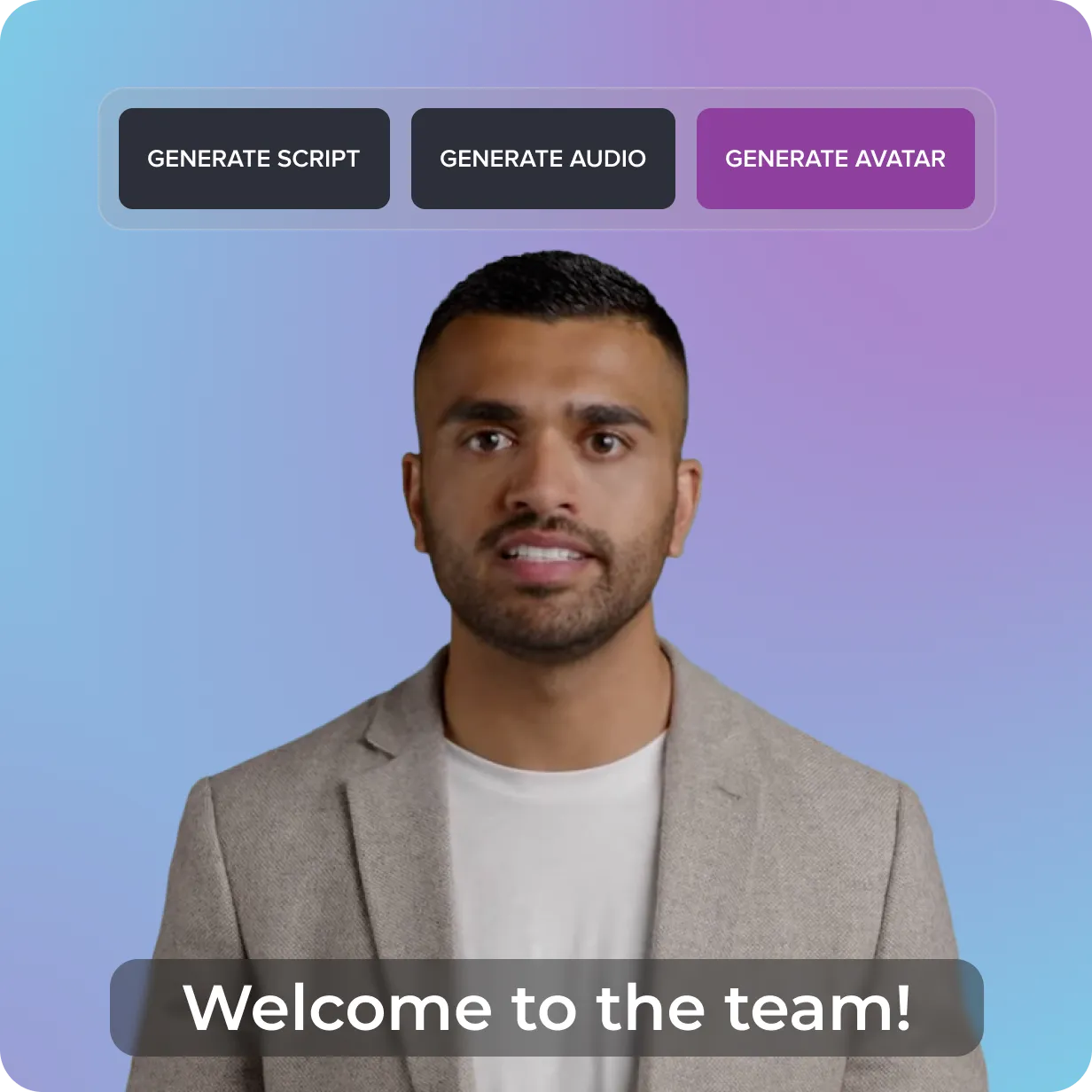
Skip the talent search—your avatar is ready
Forget coordinating on-camera talent or perfecting your performance. Choose from 49 AI avatars that let you deliver your message confidently without appearing on camera, allowing you to focus on your ideas.
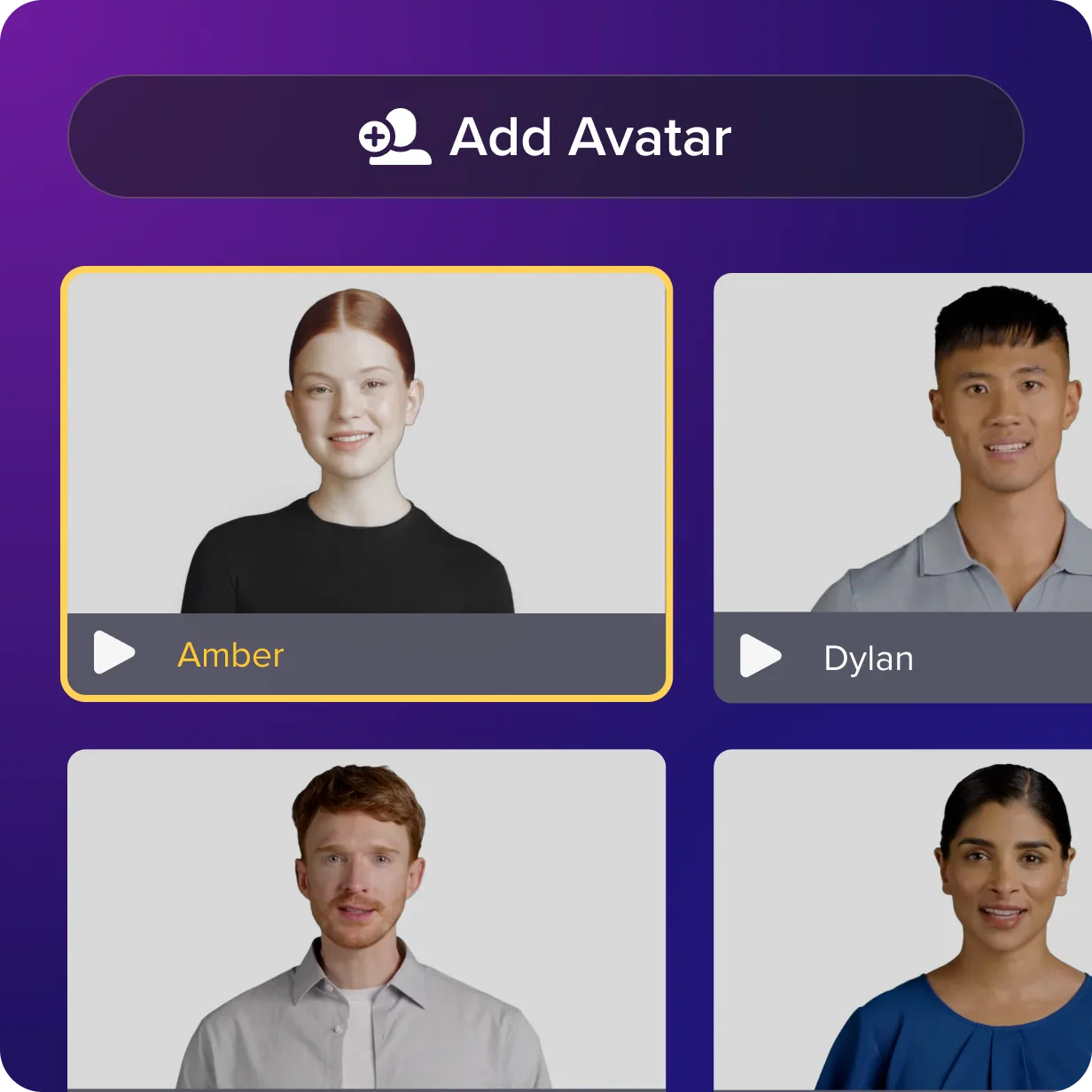
Reach diverse audiences anywhere
Break down barriers with inclusive avatars and localization options. Represent global audiences and connect meaningfully with people from different cultures with seven languages and six dialects available.
Get started with Camtasia Suite
FAQ
Not at all! AI avatars let you create professional-looking videos without ever stepping in front of the camera. This is perfect for users who want to stay off-camera, save time, or don’t have the tools for live video recording. With avatars, you can focus entirely on your message and let the technology handle the presentation.
Absolutely. Camtasia’s AI avatar creator is perfect for scaling video content creation for platforms like YouTube, LinkedIn, and TikTok, making it one of the best AI avatar generators for business and creative teams.
The AI avatar generator feature is available with the Camtasia Pro plan and standalone Camtasia Audiate subscriptions.
Current Camtasia customers have a few options for moving up to the Camtasia Pro plan for avatar generation. Customers on a current Camtasia Essentials or Create subscription can upgrade to Camtasia Pro in their TechSmith account by following these steps.
Camtasia customers on a perpetual license or Legacy Subscription can contact our Customer Care team for assistance moving their license to a Camtasia Pro subscription.
Customers with access to Audiate through a Camtasia Create subscription can upgrade their plan to Camtasia Pro by visiting the manage portal.
Check out our tutorial that will walk you through everything you need to know.
Still can’t find what you need? Contact us and we’ll help you out.