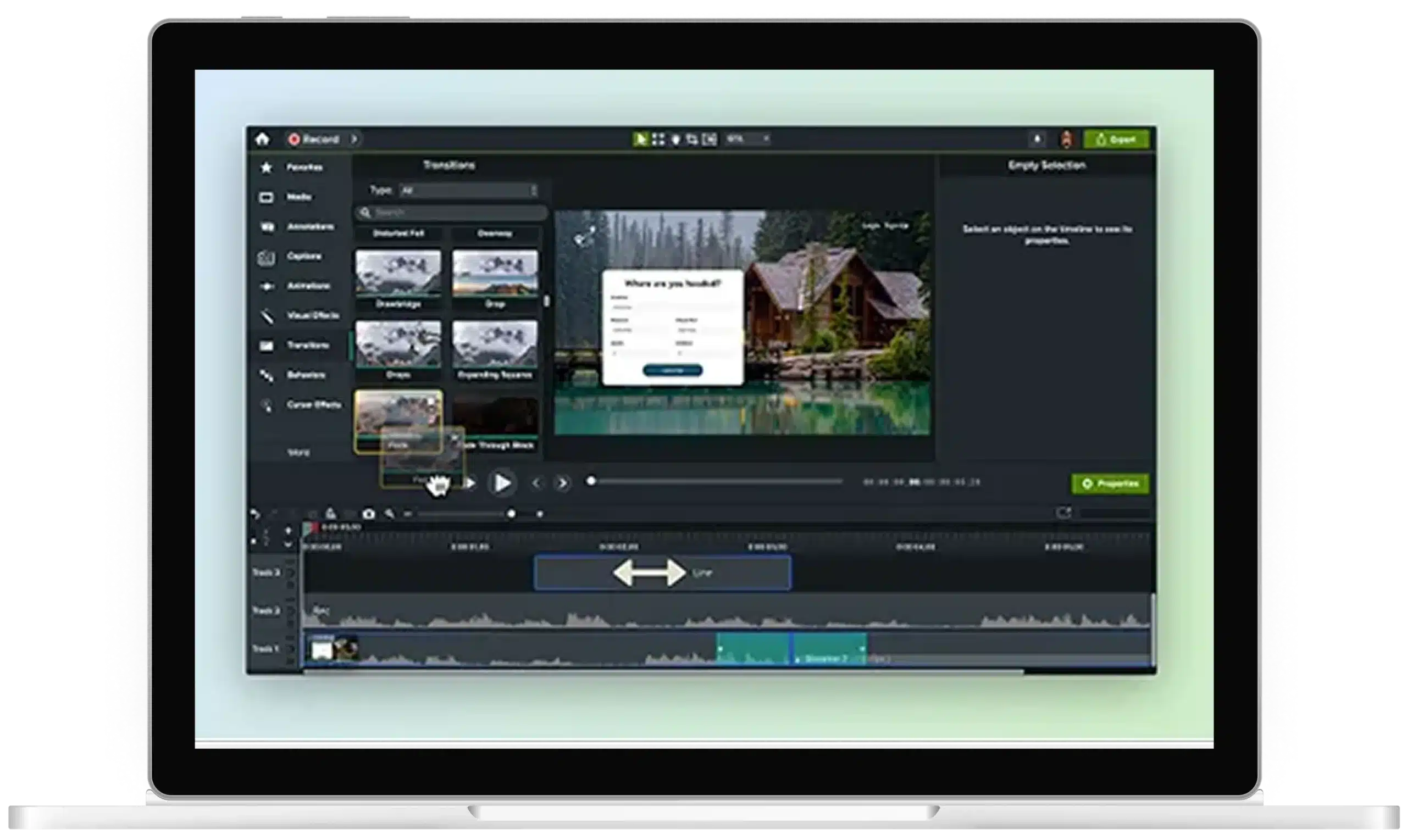
Edit video faster with AI text-based editing
Make video editing as easy as editing a document. Camtasia Audiate automatically transcribes your audio and video, allowing you to delete filler words or sections with a click. Instantly turn text edits into real cuts, saving you hours of editing time.
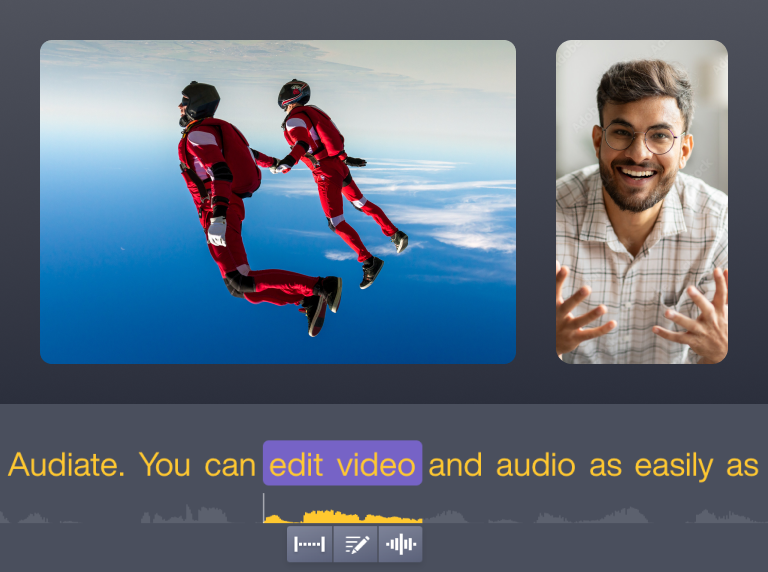
Why Audiate offers the best AI text-based editing
Audiate takes the intimidation out of video editing, turning it into a simple, word-processing-like experience. Rather than wrestling with a timeline or learning complicated software, you just work with the text. Perfect for anyone new to video creation or short on time.
AI-powered transcription for precise edits
Audiate automatically transcribes your video via AI features and syncs every word with the audio, so edits are always accurate. Navigate your video effortlessly, or click any word in the transcript to go straight to that part of the timeline so you can make changes with confidence and precision.

Smarter cleanup for tutorials and podcasts
Delete “um,” “uh,” or other filler words and long pauses with one click, so your final product sounds smooth and professional. Even if you’ve never touched a video editor before, you can polish up tutorials or podcasts without the steep learning curve.
Note: Audiate currently supports automatic filler word detection for English only.
Note: Audiate currently supports automatic filler word detection for English only.

Seamless workflow integration with Camtasia Editor
AI text-based editing lives right inside Audiate, allowing you to record, edit, and finish your video all in one place. Your text-to-video edits instantly update the video, so the whole process feels more like typing a document than running a production studio.

Get started with Camtasia Suite