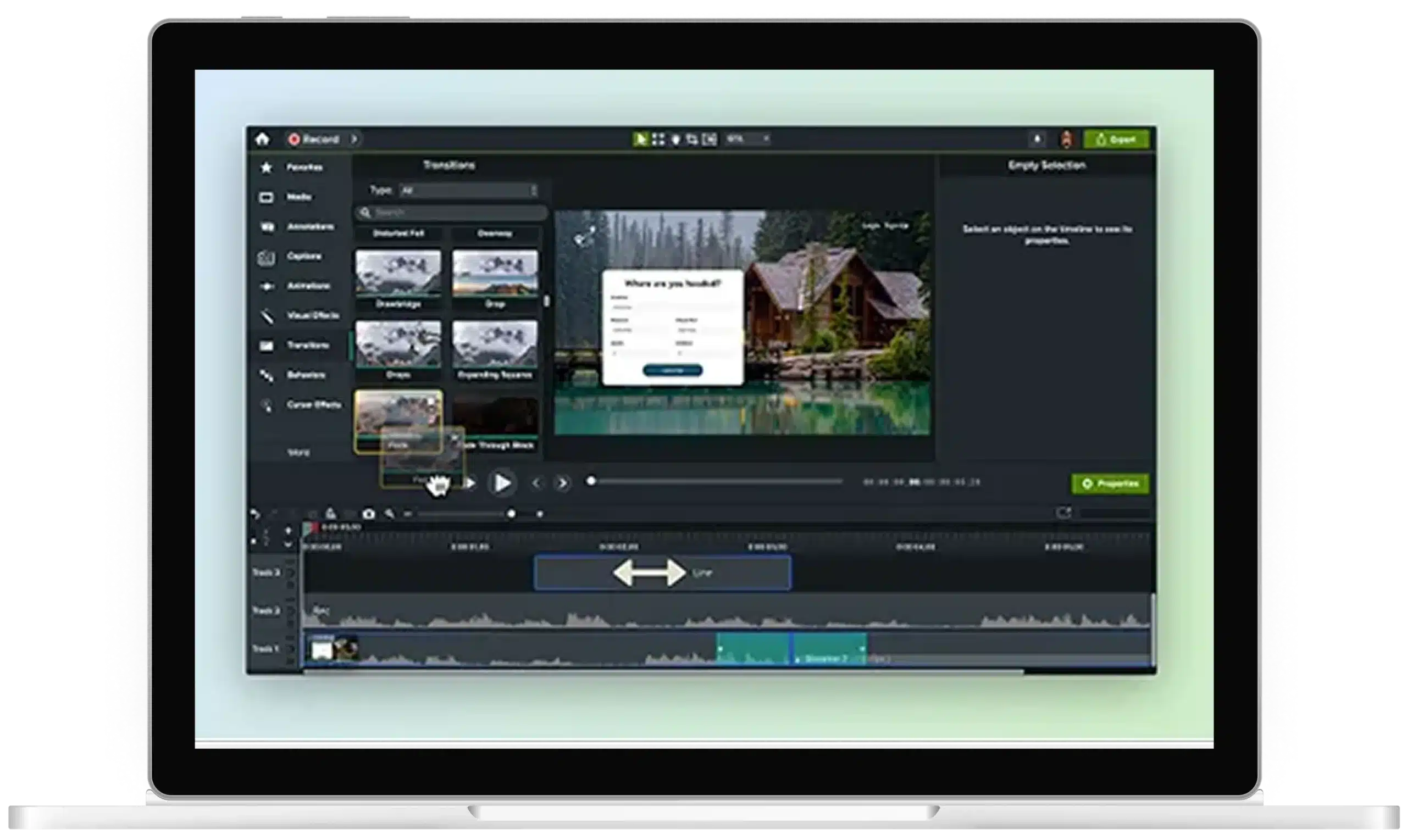
Video transitions are key to creating polished, engaging content. Whether you’re moving between scenes or adding flair to your brand’s video, Camtasia makes it easy with over 175 free transitions at your fingertips. Simple to use, yet powerful enough to give your videos a professional edge, Camtasia offers everything you need to create smooth, clean transitions with minimal effort.
Adding video transition effects with Camtasia is quick and easy. Here’s how you can do it in just three steps:
1
Step 1: Drag and drop transitions
Open your project in Camtasia and locate the “Transitions” tab. Browse through the wide variety of transitions and simply drag and drop your preferred transition between two clips on the timeline.
2
Step 2: Customize your transition
Once placed, you can customize the length and style of the transition directly on the timeline. Adjust the duration by dragging the edges, or select from different transition styles to find the perfect fit for your video.
3
Step 3: Preview and apply
Preview your video to ensure the transition flows smoothly from one scene to the next. Once satisfied, apply the transition and continue editing your project.
Camtasia makes video transitions easy
Camtasia stands out as the best tool for adding video transition effects because of its ease of use, powerful customization, and time-saving features.
Extensive library of transitions
With over 120 free transitions included, Camtasia offers an impressive range of options, from simple fades to more complex branding transitions. This variety allows you to find the perfect effect for any video, ensuring your transitions look polished and professional.
Smooth, professional results
Camtasia’s video transitions create clean, seamless shifts between scenes. Whether you’re editing a tutorial, presentation, or a marketing video, transitions ensure your content flows smoothly and keeps your audience engaged.
Time-saving tools
Camtasia’s Favorites feature allows you to speed up the editing process. Save your frequently-used transitions as Favorites. Press the F key to access your Favorites to quickly enhance your video without slowing down your workflow.
Camtasia includes over 175 free transitions, providing a wide variety of types of video transitions to suit any project. From wipe transitions, fade to white, cross dissolve, simple cut, and other creative transitions, Camtasia covers every base.
Yes, you can easily adjust the duration of any transition by dragging the edges of the transition directly on the timeline.
Can I save my favorite transitions for quick access?
Absolutely! Camtasia allows you to save your favorite transitions for quick access, helping you streamline your workflow and apply transitions faster.
Video creators use different types of transitions to add a buffer between two scenes. For example, a jump cut implies quick changes.
What are transitions?
Transitions are useful special effects that are applied to video post-production.