Got subtitle files in the wrong format? Don’t worry! Our free online tool lets you instantly convert SRT to VTT or VTT to SRT file formats—no installs, no credit card, no fuss.
Drag & Drop your SRT or VTT file here or click to choose file
How to convert SRT to VTT (or the inverse)
We made it ridiculously easy to convert subtitles online for free, no credit card required.
1
Step 1: Drag your file into the browser-based converter
You can start with SRT or VTT files.
2
Step 2: Choose your conversion format
Need an SRT format for YouTube? A WebVTT file for HTML5? You’re covered.
3
Step 3: Download with one click
Your new subtitle file will be ready to download in seconds.
Why use our online converter?
Accurate subtitle conversion
Your subtitle timing stays intact without weird breaks or formatting errors. Just clean video subtitles that work.
Browser-based
No need for complicated software. Our converter runs entirely in your browser—lightweight and lightning-fast–as many times as you need it.
Built for video creators
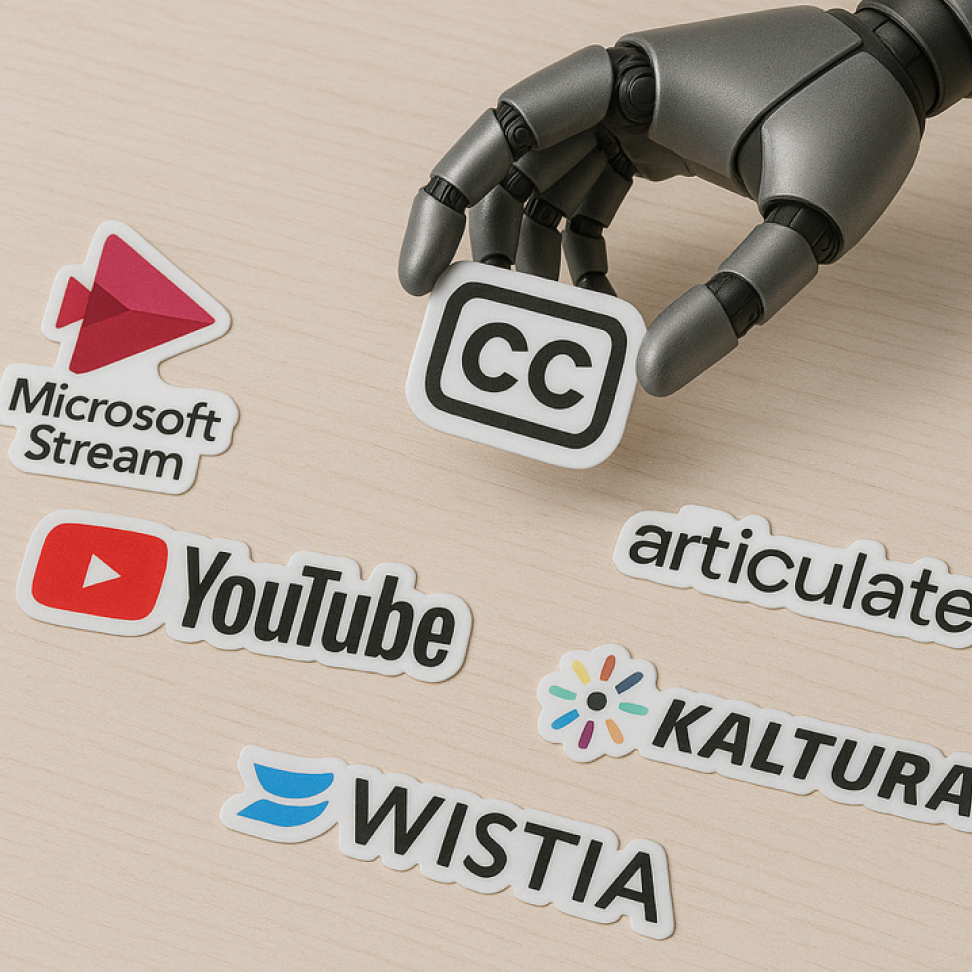
Our tool helps you create subtitles that play nice with any platform so you can make a YouTube video, a product demo, a tutorial, or anything else, shine. Works to convert VTT files for Microsoft Stream, Articulate Storyline, Wistia, Kaltura, and more.
You can upload and convert SRT files and WebVTT files—two of the most common subtitle formats used for online video files. These files can be converted from one format to the other, no matter which one you start with.
Yes! Our online converter does not store any data and does not use server processing. No transmitted data gets stored, the processing happens locally, and your content stays your content.
Nope. Your timing and text will stay perfectly in sync during the conversion process so you can add subtitles right back in your video. We ensured this tool would be quick and convenient without adding hassle for you to mess with.
Yes! This converter is an online tool—no downloads or installations required. We promise.
Absolutely. Download SRT subtitles from YouTube, convert them to VTT, and use them across other platforms—or do the reverse!
Subtitles are a must for video creators because of accessibility, so they are not a negotiable aspect of video creation. To ensure you comply with accessibility laws, subtitles are usually encouraged.
Yes, the tool supports special characters and multiple languages so you don’t have to worry about international content.